- Written by Ataullah Wali
Introduction
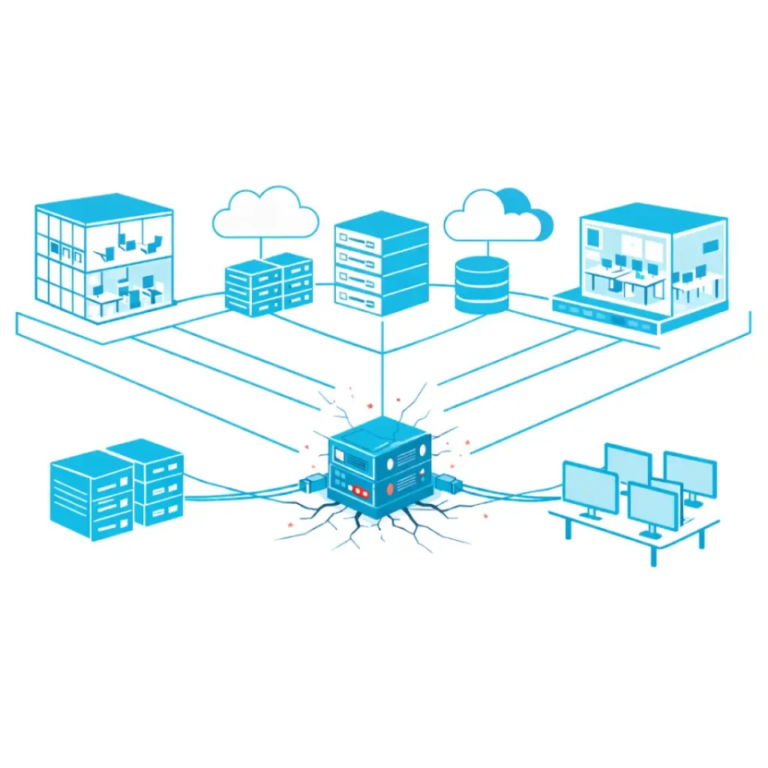
When it comes to business continuity, a single point of failure in IT is one of the most overlooked risks facing UK organisations today. Systems have become more connected, more cloud-driven, and more dependent on constant uptime than ever before. Yet many businesses still operate with hidden weaknesses that could bring operations to a standstill overnight. Whether it is one internet connection, one cloud tenant, one firewall, or even one key individual holding all the knowledge, these vulnerabilities often remain invisible until something breaks. Understanding and removing these risks is no longer optional — it is a core part of building genuine IT resilience.
Is your quote fair?
Don't sign that contract yet. Check stock & price with Qual first.
What Is a Single Point of Failure in IT?
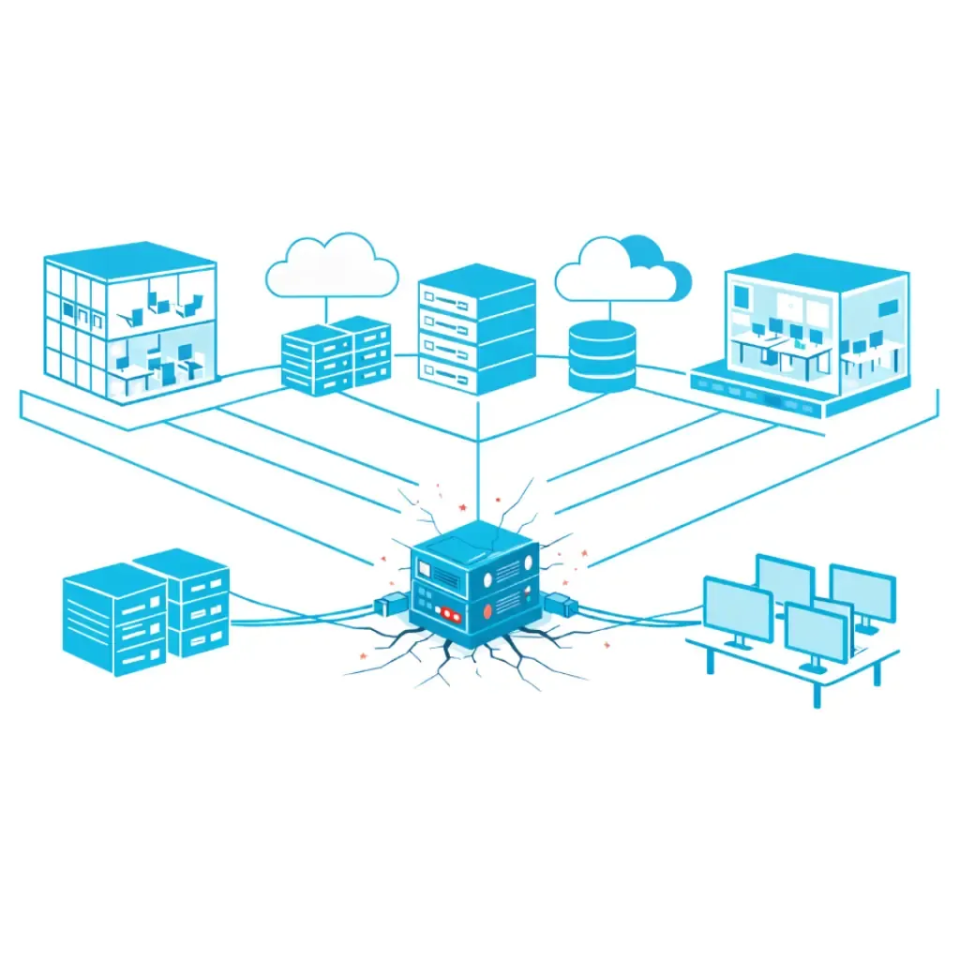
A single point of failure in IT is any component that, if it fails, stops your entire business from operating.
That component could be:
- One physical server
- One internet connection
- One firewall
- One cloud tenant
- One backup system
- One vendor
- Even one key member of staff
If that single element goes down, everything dependent on it stops.
For many UK SMEs, a single point of failure in IT is not obvious. Systems appear to work perfectly during normal operations. The risk only becomes clear when something fails.
And when it does, the impact can be severe:
- Downtime
- Lost revenue
- Customer frustration
- Compliance breaches
- Reputational damage
Removing a single point of failure in IT is not about adding more tools. It is about designing a proper IT resilience strategy.
Why Most Businesses Have a Single Point of Failure in IT Without Realising
The reason is simple.
IT environments grow over time.
Businesses:
- Add software when needed
- Move to cloud quickly
- Replace hardware reactively
- Rely heavily on one trusted supplier
Over years, this creates hidden dependencies.
No one steps back and asks:
What happens if this one thing stops working?
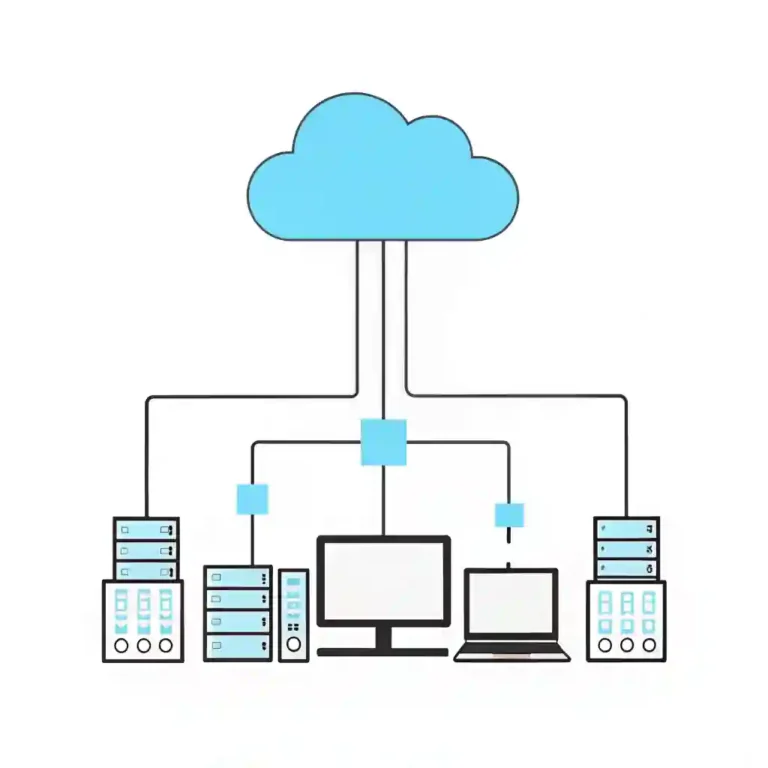
Many companies believe moving to cloud automatically removes risk. But cloud does not eliminate a single point of failure in IT. In some cases, it concentrates it.
For example:
- Entire business runs on one Microsoft 365 tenant
- All backups stored in the same cloud platform
- One ISP connection feeding the entire office
- One firewall protecting everything
These are common setups. They work well — until they do not.
Real-World Examples of a Single Point of Failure in IT
Let’s make this practical.
1. The Single Internet Line
A construction firm with 45 staff relied on one fibre line. When roadworks damaged it, they had no connectivity for two days.
No emails.
No access to drawings.
No VoIP.
That single internet circuit was their single point of failure in IT.
2. Microsoft 365 Without Backup
A user accidentally deleted critical SharePoint data. Retention policy had expired.
No third-party backup was in place.
Their Microsoft tenant became a single point of failure in IT because there was no secondary recovery method.
3. One On-Prem Server
A manufacturing business ran accounting, ERP, and file storage on one ageing server.
When it failed, everything stopped.
Even though they had antivirus and UPS, the server itself was the single point of failure in IT.
4. One IT Manager Holding All Knowledge#
Sometimes the single point of failure in IT is human.
One IT manager knew all passwords, firewall rules, vendor contracts and recovery processes.
When they left, no documentation existed.
The business effectively lost operational visibility overnight.
How Cloud Can Increase or Reduce a Single Point of Failure in IT
Cloud is powerful. But it must be designed correctly.
Cloud reduces risk when:
- Data is backed up independently
- Multi-region redundancy is configured
- Identity is secured with MFA and conditional access
- Access policies are documented
Cloud increases risk when:
- All workloads sit in one subscription
- No backup outside the primary tenant
- One identity provider controls everything
- No failover internet
For example, relying entirely on one cloud vendor without understanding exit strategy creates vendor lock-in. That can create a long-term single point of failure in IT.
This is why resilience design matters more than platform choice.
How to Identify a Single Point of Failure in IT
Start with one question:
If this stops working tomorrow, what stops with it?
Map your systems:
- Connectivity
- Identity
- File storage
- Backups
- Security
- Telephony
- Key staff knowledge
Then look for areas where:
- No alternative exists
- No redundancy exists
- No documentation exists
- No external support exists
Common areas we identify at Qual Limited include:
- Single firewall appliances
- No secondary ISP
- Backup stored in same environment
- No tested disaster recovery
- No documented recovery time objectives
A proper resilience review makes these visible.
Removing a Single Point of Failure in IT Without Overspending
This is where many businesses get it wrong.
They think removing a single point of failure in IT means doubling every system.
It does not.
Resilience is about proportional design.
Connectivity
Add a secondary internet line with automatic failover.
Not necessarily another expensive leased line. Even a business-grade broadband backup may be sufficient.
Backup
Ensure backups are:
- Immutable
- Stored separately
- Tested regularly
Microsoft 365 needs independent backup. Cloud is not backup by default.
Hardware
Critical infrastructure like firewalls can be deployed in high availability mode.
Not every SME needs enterprise-grade clustering. But key entry points should not rely on one device.
Documentation
Removing a human single point of failure in IT requires:
- Password management systems
- Shared documentation
- Escrow processes
- Support contracts
This is often low cost but high impact.
Building a Long-Term IT Resilience Strategy
Fixing one single point of failure in IT is tactical.
Building resilience is strategic.
A strong resilience strategy includes:
- Risk assessment
- Business impact analysis
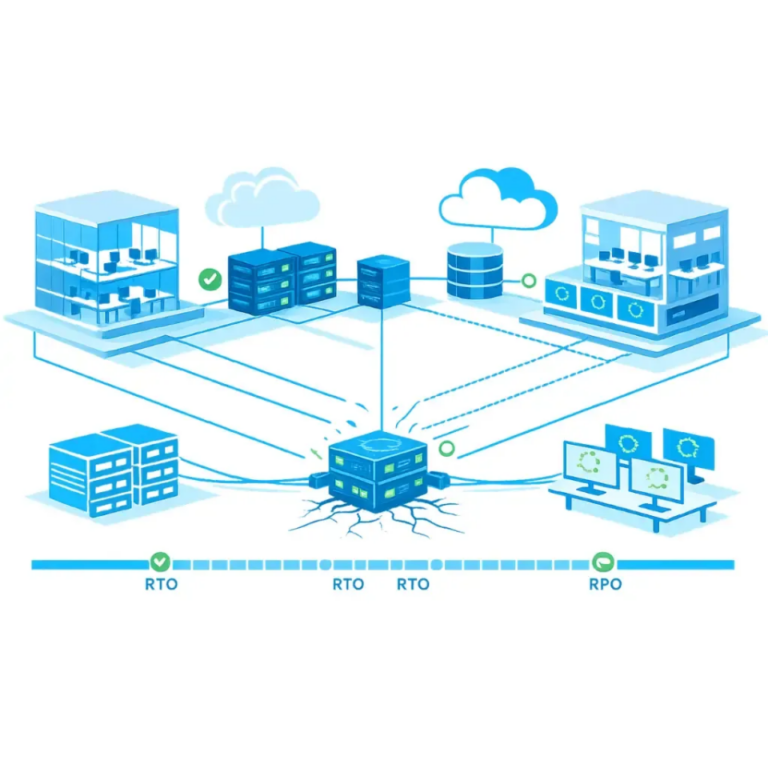
- Recovery time objectives
- Recovery point objectives
- Vendor diversification
- Regular testing
- Continuous improvement
If you have not yet defined your own IT Resilience Framework, start by reviewing the foundations outlined in our complete guide.
Resilience is not about eliminating risk entirely. It is about reducing impact and recovery time.
The goal is simple:
When something fails, business continues.
The Cost of Ignoring a Single Point of Failure in IT
Downtime costs more than hardware ever will.
Financial impact includes:
- Lost revenue
- Idle staff
- Missed deadlines
- SLA penalties
- Emergency consultancy costs
Reputational damage can be worse.
Clients remember disruption.
Regulators do too.
For many businesses, one overlooked single point of failure in IT leads to months of recovery.
How Qual Limited Approaches IT Resilience
At Qual Limited, we do not start with products.
We start with risk.
We assess:
- Infrastructure
- Cloud dependency
- Vendor exposure
- Security controls
- Recovery capability
We identify where a single point of failure in IT exists and prioritise remediation based on impact.
With over 30 years of experience supporting UK businesses, we focus on practical resilience. Not over-engineered complexity.
Remove Single Points of Failure Before They Remove You
Every business has some level of exposure.
The difference is whether you know where it is.
Before investing in more software, review your complete IT resilience guide and understand where your biggest risks actually sit.
If you are unsure whether you have a single point of failure in IT, speak to one of our account managers.
We will review your environment and provide clear, honest recommendations.
Book a call with Qual Limited today.
Ready to upgrade your IT?
Get the technology your business needs with our transparent pricing and expert support.
FAQs
What is a single point of failure in IT?
Is cloud a single point of failure?
How do I identify a single point of failure in IT?
Does Microsoft 365 remove single points of failure?
How expensive is it to remove resilience gaps?
Related Guidance From Our IT Experts
Explore practical guidance on security risks, Microsoft licensing changes, and IT infrastructure challenges facing UK organisations.
👉 Windows 10 security risks after end of support
👉 Understanding VMware’s new licensing rules
👉 Best XDR solutions for UK organisations
👉 Protecting education data against loss
👉 Microsoft Entra ID for education