NEW! Compare your current IT quote
windows 10 security risks

Windows 10 Security Risks: Cyber Security Dangers of Using Unsupported Systems

Table of Contents

Why Cyber Security Should Be Your Top Concern

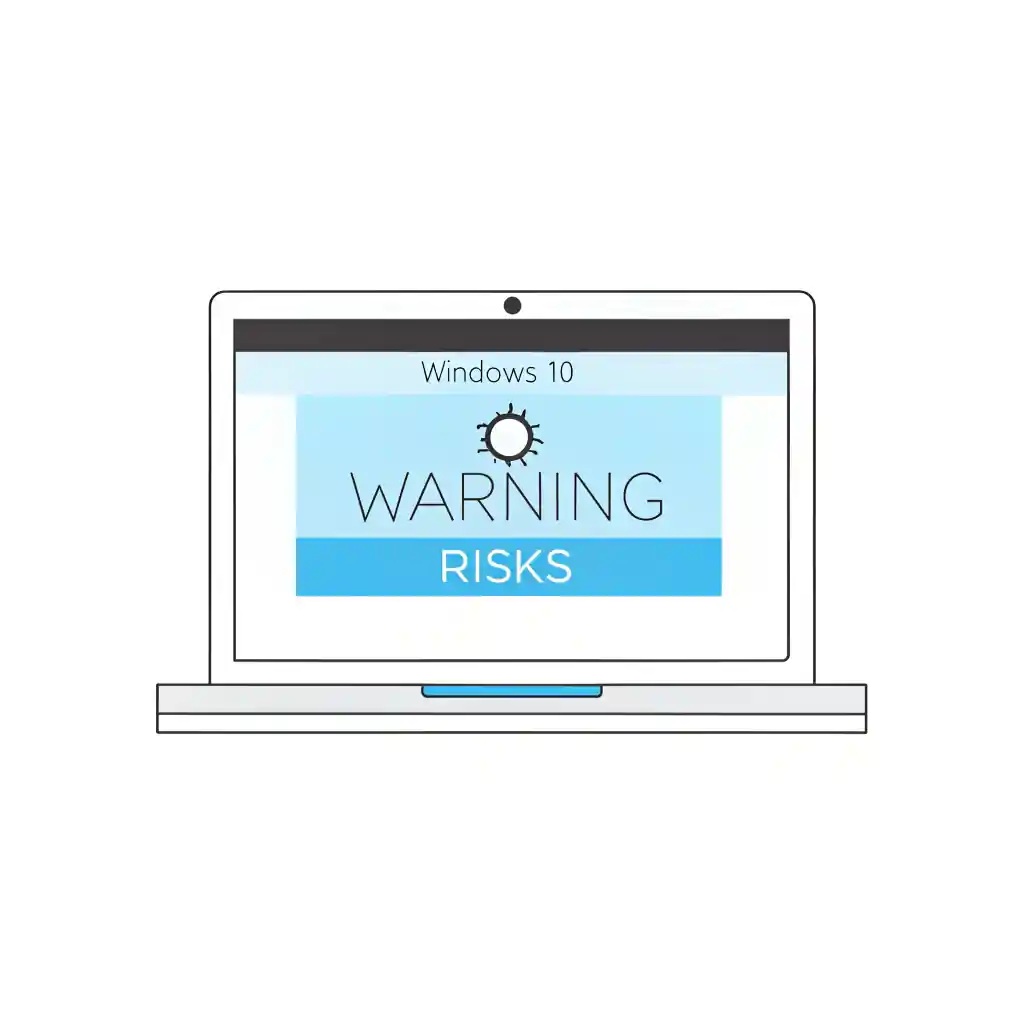
Windows 10 security risks are now an active concern for businesses because Microsoft support for Windows 10 ended on 14 October 2025. Without standard security updates, patches and technical support, unsupported devices can expose your organisation to malware, ransomware, compliance issues and avoidable disruption.

If your business is still running Windows 10, start by reviewing our Windows 10 end of life guide so you understand what has changed, which devices are affected and what action should happen next.

What Happens When Windows 10 Support Ends?

Microsoft support for Windows 10 has now ended, which means unsupported devices no longer receive standard security updates, feature updates or technical support. What does this mean in practical terms?

  • No more vulnerability fixes
  • No more compatibility updates for new hardware
  • No Microsoft support for troubleshooting
  • No security patches—even for critical flaws

This makes your endpoints easy targets for malware, ransomware, and other types of cyberattacks.

For IT managers and SMEs, these Windows 10 security risks are more than technical issues—they’re business continuity threats.

The Real-World Impact of Windows 10 Security Risks

When support ends, hackers take notice. Unsupported systems are a goldmine for cybercriminals. In past cases like Windows XP and Windows 7, attackers launched malware campaigns just weeks after end-of-life dates passed.

Some real-world consequences include?:

  • Increased phishing attacks via known OS weaknesses
  • Ransomware infiltration through unpatched remote desktop protocols (RDP)
  • System hijacking from privilege escalation exploits
  • Data breaches with legal and financial consequences

Your systems will be marked as vulnerable across the dark web almost immediately.

For IT managers and SMEs, the growing Windows 10 security risks are no longer just technical concerns. As Microsoft approaches the end of support, unsupported operating systems can quickly become business continuity risks. Organisations still running Windows 10 need to understand how the Windows 10 end of life will affect security updates, compliance, and operational stability in the coming years.

Risks for SMEs, IT Managers, and Operations Teams

The risks associated with Windows 10 security issues don’t just affect large enterprises. In fact, SMEs are often more vulnerable because of limited in-house cybersecurity resources.

Specific risks for your business:
  • IT Managers: Increased maintenance burden and emergency response times
  • Operations Managers: Business disruption from attacks or forced downtime
  • Procurement Teams: Difficulty sourcing compatible software and hardware
  • SMEs: Lack of compliance and higher cyber insurance premiums

Even with anti-virus and firewalls, unsupported operating systems are weak links in your security chain.

How Hackers Exploit Unsupported Operating Systems

Cybercriminals are already stockpiling zero-day vulnerabilities for Windows 10. Once support ends, they’ll begin exploiting them immediately.

Common hacker tactics:

  • Reverse engineering existing patches to find and exploit similar flaws
  • Targeting legacy systems still in use within larger networks
  • Spreading malware through open ports and misconfigured devices
  • Phishing users with fake Windows 11 upgrade notices

Without new patches, you can’t close the doors they open.

Your Legal and Compliance Risks

Sticking with Windows 10 could also land your business in hot water legally.

Key concerns:
  • GDPR compliance: Lack of security updates could violate data protection laws
  • Cyber insurance: May not cover breaches on unsupported systems
  • Vendor requirements: Many cloud services will drop support for Windows 10
In other words, ignoring the risks may be more expensive than taking action.

Best Practices for Protecting Your Business

You don’t need to wait until the last minute to upgrade. The sooner you act, the lower your risk and cost.

Steps to take now:

  1. Audit your devices: Identify all Windows 10 endpoints in your business
  2. Evaluate compatibility: Check hardware for Windows 11 readiness
  3. Plan your budget: Consider flexible financing options
  4. Work with experts: Use a trusted technology partner to guide your migration
  5. Update your policies: Strengthen user access and patching procedures

To move from awareness to action, use our Windows 11 migration checklist to audit your devices, check compatibility, plan rollout stages and reduce disruption during the upgrade.

A planned approach beats emergency response every time.

How Qual Limited Can Help You Make the Switch

At Qual Limited, we make the transition from Windows 10 to Windows 11 simple, secure, and cost-effective.

For businesses that need ongoing support beyond the migration project, our Managed IT Services provide structured monitoring, lifecycle planning, patch governance and user support to help keep devices secure after the move to Windows 11.

What we offer:

  • Full IT estate audits to assess risk exposure
  • Hardware & software recommendations tailored to your business
  • Tech-as-a-Service options to spread costs over time
  • ITAD and buy-back schemes for old Windows 10 devices
  • Expert project management to ensure smooth deployment
  • End-user support for minimal disruption

We’re already helping UK SMEs prepare well in advance. We’ll help you remove all Windows 10 security risks before they become an issue.

FAQs About Windows 10 Security Risks

What’s the biggest danger of staying on Windows 10?

The lack of security patches makes it easy for hackers to exploit known vulnerabilities.

Can anti-virus protect us even after support ends?

No. Anti-virus alone won’t cover system-level vulnerabilities that Microsoft no longer patches.

Will our existing applications still run?

Some may, but many vendors will stop supporting Windows 10 soon after the end-of-life date.

Is Windows 11 more secure?

Yes. It includes TPM 2.0, Secure Boot, and deeper integration with Microsoft Defender and Copilot.

What does migration cost?

It depends on your setup. With Qual Limited, you can access Tech-as-a-Service models to make it more affordable.

Can we recycle or trade-in old hardware?

Absolutely. Our ITAD and buy-back services make it easy to upgrade without waste.

Get Expert Advice

Blog Contact Forms

Please note preferred dates are targets, not guarantees 

Search for blogs

Featured Blog

meet the team

Tailored Expert Advice
is a few clicks away

Blog Popup

We’ll be in touch within the next 24 hours (Mon-Fri)

New Starter
IT Cost Calculator

New Starter IT Cost Calculator

£
%
£


Your estimated annual onboarding IT cost

Estimated cost: £

This estimate is based on your onboarding volume, average setup time, and whether laptops and day-one readiness are consistent.

Next: enter your email to receive a tailored recommendation.

System Upgrade
Check Instructions

Quick System Check Instructions:

  1. Press the Windows Key or click Start.
  2. Open Settings.
  3. Navigate to Update & Security.
  4. Select Windows Update.
  5. Click Check for updates.

Your system will automatically determine if Windows 11 is available for your device. If compatible, the upgrade option will appear. If not, you'll receive information about what needs to be updated to proceed.

Your system will automatically determine if Windows 11 is available for your device.

Business IT Services & Hardware | Qual Limited UK

We're ready
to help👋

Request a quick call back for a no-obligation chat. With over 30 years of practical experience, our UK-based experts are ready to help. Guaranteed no pushy sales, just a friendly call to understand your challenges and explore some potential solutions. 

Start the conversation

Qual Main Popup full page

Please note preferred dates are targets, not guarantees 

By submitting, you consent to contact regarding our products and services in accordance with our Privacy Policy

Business IT Services & Hardware | Qual Limited UK

Chat to
An Expert

Are you looking to connect with a dedicated account manager who can tailor IT solutions to meet your business needs?

Start the conversation

Qual Main Popup full page

Please note preferred dates are targets, not guarantees 

By submitting, you consent to contact regarding our products and services in accordance with our Privacy Policy

Business IT Services & Hardware | Qual Limited UK

Chat to
An Expert

Are you looking to connect with a dedicated account manager who can tailor IT solutions to meet your business needs?

Start the conversation

Qual Main Popup full page

Please note preferred dates are targets, not guarantees 

By submitting, you consent to contact regarding our products and services in accordance with our Privacy Policy