You can do that via the form at the bottom of the page, or by requesting it in your It Quote comparison request.
Step 2.
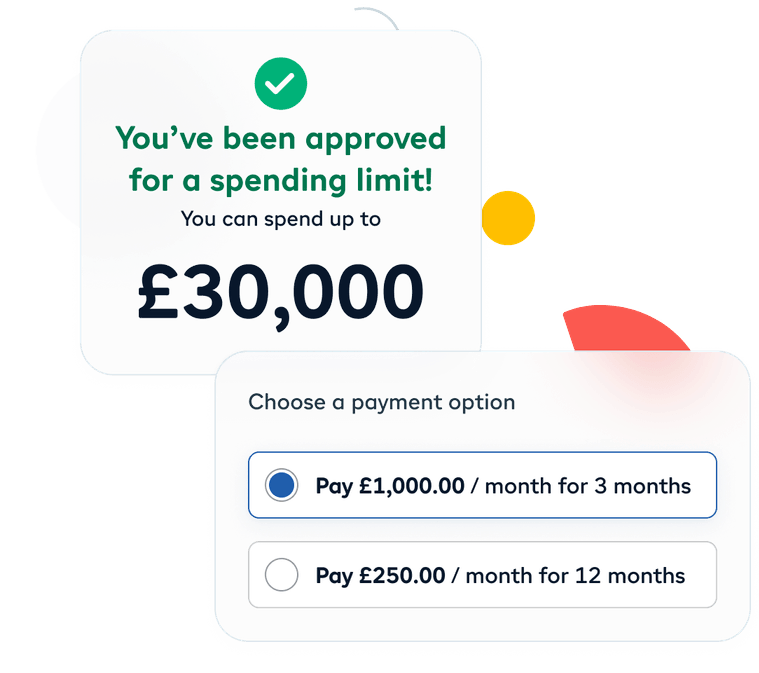
Choose how long you’d like to pay
30 days, 3 months or 12 months - you’ll automatically see the options that are available to you on this payment.
Step 3.
Log in or sign up to iwocaPay
If you haven’t already got an account iwocaPay will need a few basic details about your business first. It’ll take about 2 minutes, and you won’t need anything to hand.
Step 4.
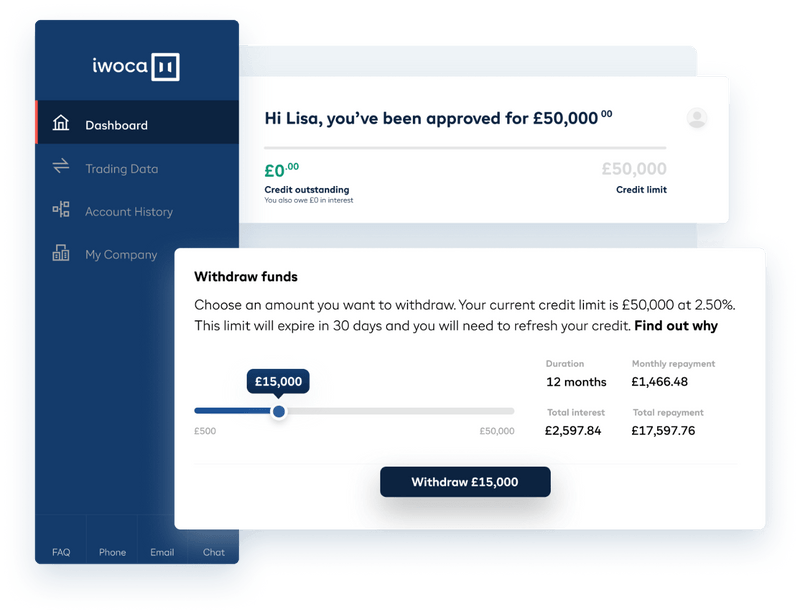
See your spending limit
Based on those details, iwocaPay will show you how much you can spend with Pay Later. You can use it over as many transactions as you like with any supplier who accepts iwocaPay.
Step 5.
Security checks by iwocaPay
iwocaPay do a few security checks with you (by phone or email) - you’ll need some photo ID and your phone, and then they pay us instantly
Step 6.
Connect your card for monthly payments
iwocaPay take care of the rest. You never have to worry about missing a payment. There are no hidden fees and you can settle up early or make extra payments.
How We Help
With our experience, we can help your IT problelms.
At Qual we work with all types of communication businesses, bringing our wealth of knowledge and extensive experience.
Over 30 years' experience
Compliance expertise
Expert technology guidance
Dedicated IT support
Cyber Security expertise
Tailored IT strategies
Recognised by the best
Trusted By
Our partners with the very best IT solutions for the education sector.
Request a Pay Link
Let’s get
started
Request a Pay Link
Let’s get
started
New Starter
IT Cost Calculator
System Upgrade
Check Instructions
Quick System Check Instructions:
Press the Windows Key or click Start.
Open Settings.
Navigate to Update & Security.
Select Windows Update.
Click Check for updates.
Your system will automatically determine if Windows 11 is available for your device. If compatible, the upgrade option will appear. If not, you'll receive information about what needs to be updated to proceed.
Your system will automatically determine if Windows 11 is available for your device.
We're ready
to help👋
No obligation
No Haggling
Trusted support
Request a quick call back for a no-obligation chat. With over 30 years of practical experience, our UK-based experts are ready to help. Guaranteed no pushy sales, just a friendly call to understand your challenges and explore some potential solutions.