NEW! Compare your current
IT quote

An effective IT infrastructure audit checklist is more than just a compliance task — it’s your blueprint for stronger systems, improved performance, and smarter business decisions.

Rik Page
Sales & Operations Director
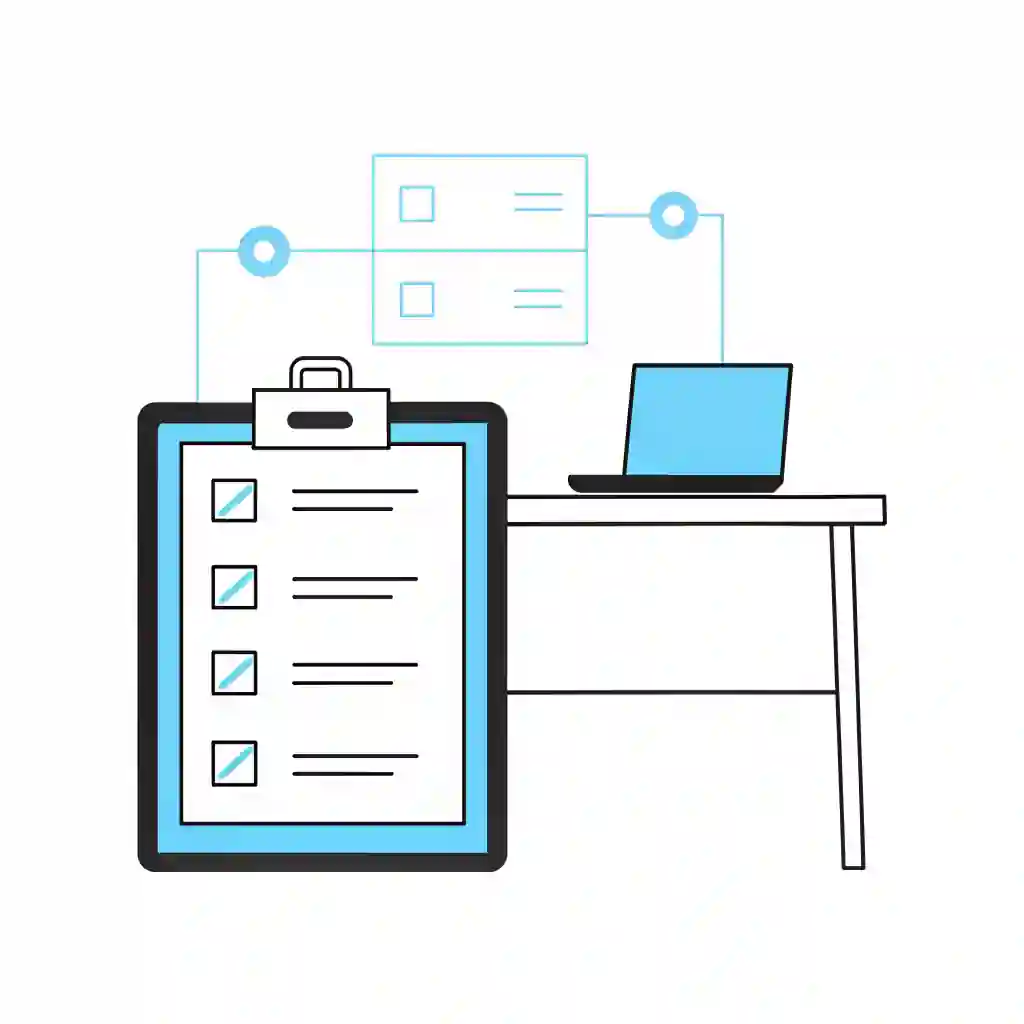
Table of Contents
- Written by Dean Bent
Introduction: Why Every Business Needs an IT Infrastructure Audit
2026 will be the most critical year yet for businesses of all sizes. With ever more challenging cyber threats, advances in AI, regulatory pressure, and hybrid work models becoming the norm, your organisation cannot afford to take anything for granted. What worked in the past is not guaranteed to work in the future.
Hardware must be upgraded to meet evolving challenges, and you cannot afford to treat backup and recovery as an afterthought. Data is the backbone of every modern business, and if you lose access to it—even temporarily—the consequences can be financially, operationally, and reputationally damaging.

Rik Page
Sales & Operations Director
We are Experts working with top vendors like Lenovo, Microsoft, Go-To & so much more. We can help with anything!
- No obligation
- No Haggling
- Trusted support
What Is an IT Infrastructure Audit?
Simply put, an IT infrastructure audit is a full health check of your company’s technology ecosystem. It covers hardware, software, networks, storage, data management, and even cloud infrastructure.
Think of it as an MOT for your IT environment — identifying risks, inefficiencies, and opportunities for optimisation before they turn into costly outages or security breaches.
Unlike a basic cybersecurity audit, which focuses only on threats and vulnerabilities, an IT infrastructure audit looks at the entire technology stack: how everything connects, performs, and supports business goals.
This process directly ties into The 1 Definitive IT Checklist for Every Business— where understanding your infrastructure forms the foundation of every IT strategy.
The Business Benefits of an IT Infrastructure Audit
Regular audits deliver a lot more than peace of mind. They’re a proactive way to strengthen your entire IT operation.
Top Benefits of Regular IT Infrastructure Audits
- Boost performance and efficiency: Identify bottlenecks and performance lags before they disrupt users.
- Reduce unnecessary spend: Find redundant systems or unused licences draining your IT budget.
- Improve data security: Spot vulnerable entry points and outdated protocols before attackers do.
- Stay compliant: Maintain GDPR, ISO 27001, and industry-specific standards.
- Plan strategically: Understand where to invest and what to retire.
An IT infrastructure audit gives you the data to make smarter IT decisions, backed by evidence — not guesswork.
An infrastructure audit frequently exposes areas where reactive IT management risks have been quietly building over time.
Step-by-Step IT Infrastructure Audit Process
Here’s how to run an audit that gives you complete visibility and value.
Step 1: Assess Your Current IT Assets
Start by creating a full inventory of every piece of hardware, software, and service your business relies on — from servers and laptops to cloud applications and IoT devices.
Step 2: Review Configurations and Performance Logs
Check how each asset is performing. Look for unusual downtime, system slowdowns, or misconfigured settings.
Step 3: Evaluate Network Health and Connectivity
Audit routers, switches, firewalls, and VPNs. Network performance directly affects productivity.
Step 4: Check Data Backup and Recovery Plans
How quickly could you recover from a disaster?
Your audit should include testing backups and verifying offsite or cloud-based recovery.
Step 5: Review Software Licensing and Patching Status
Outdated or unpatched software is a major security risk. Ensure all licences are valid and updates are applied.
Step 6: Identify Vulnerabilities and Outdated Components
Use scanning tools to detect end-of-life systems or unsupported firmware versions.
Step 7: Report Findings and Create an Action Plan
Don’t just document issues — prioritise them.
Create a plan to fix what’s broken, enhance performance, and modernise your stack.
🧾 IT Infrastructure Audit Checklist
You can adapt this mini-checklist to you business:
Common Issues Found During IT Infrastructure Audits
Even the best-run IT departments have skeletons in the server room. Here are the most common problems revealed during an IT infrastructure audit:
- Legacy Systems: Old servers or operating systems that can’t be updated.
- Shadow IT: Unapproved tools or software used by teams.
- Under-utilised Assets: Paying for licences or equipment that’s rarely used.
- Security Gaps: Missing patches or weak password policies.
- Poor Backup Practices: Incomplete or untested disaster recovery plans.
- Documentation Gaps: Missing records of assets, updates, or network maps.
👉 You can cross-reference this section with our IT Backup Best Practices: Protecting Your Business Datablog for deeper insight into backup planning.
When Should You Conduct an IT Infrastructure Audit?
An IT infrastructure audit shouldn’t be a one-off event. It’s part of an ongoing maintenance cycle.
Signs It’s Time for an Audit
- You’ve recently migrated to or from the cloud.
- You’re expanding offices or merging teams.
- You’ve had repeated outages or slow performance.
- It’s been over a year since your last assessment.
- Your compliance certifications are due for renewal.
Auditing at least once a year — or after major IT changes — helps prevent small inefficiencies from growing into costly failures.
Who Should Carry Out the Audit?
You can run an IT infrastructure audit internally or bring in external experts.
Each option has its advantages.
- Internal teams know your systems and processes intimately.
- External auditors bring objectivity, specialised tools, and fresh insight.
For the best of both worlds, many UK businesses partner with Qual Limited, combining internal knowledge with our 30 years of expertise in auditing, planning, and securing IT environments.
Tools and Frameworks for a Successful IT Infrastructure Audit
The right tools make the job faster and more accurate.
Recommended Tools for IT Infrastructure Audits
- Asset discovery tools (Lansweeper, ManageEngine): Auto-detect devices across networks.
- Configuration management databases (CMDBs): Keep records up-to-date.
- Network monitoring platforms: Track uptime and performance trends.
- Security scanners: Identify open ports, vulnerabilities, and weak configurations.
- Compliance tools: Automate reporting for ISO or GDPR frameworks.
A combination of automated and manual assessments ensures nothing slips through the cracks.
Turning Audit Results into Action
An IT infrastructure audit is only valuable if you act on the findings.
Start by ranking issues by impact and urgency:
- Critical: Fix immediately (e.g., unpatched servers).
- High priority: Resolve within weeks (e.g., over-licensed software).
- Medium: Plan improvements in your next budget cycle.
Once you have an action plan, track progress and update your IT roadmap accordingly.
Linking your audit results back to The 1 Definitive IT Checklist for Every Business ensures every recommendation aligns with your wider IT goals.
Final Thoughts: Future-Proofing Your Infrastructure
Technology changes faster than most businesses can keep up.
Regular IT infrastructure audits ensure you’re not just reacting to problems — you’re anticipating them.
By understanding your current setup and making improvements early, you’ll avoid downtime, reduce costs, and build a stronger, more secure foundation for future growth.
👉 Talk to Qual Limited about planning, building, and securing your IT setup.
FAQs About IT Backup Best Practices
What does an IT infrastructure audit include?
It covers your entire IT ecosystem — hardware, software, networks, cloud services, and data protection.
How often should I perform an IT infrastructure audit?
At least once a year, or after any major IT project or organisational change.
What’s the difference between an IT audit and a security audit?
A security audit focuses on vulnerabilities and threats, while an IT infrastructure audit assesses the overall health and performance of your entire IT environment.
How long does an IT infrastructure audit take?
Depending on the size and complexity of your systems, it can range from a few days to several weeks.
Can Qual Limited help with auditing and remediation?
Yes — our team has been empowering UK businesses for 30 years, delivering trusted IT audits and infrastructure improvements.
Continue Reading: IT Risk & Support Strategy
Understanding operational risk, IT resilience, and structured technology management is essential for organisations reviewing their IT strategy. These guides explore the most common risks businesses face when managing infrastructure and selecting the right IT support approach.
Reactive IT Management Risks
Learn how reactive IT environments introduce hidden operational risks that can lead to downtime, security exposure, and unstable systems.
Single Point of Failure in IT: The Hidden Risk That Breaks Businesses
Discover how single points of failure develop inside IT environments and how resilient infrastructure planning removes them.
Immutable Backup: The Last Line of Defence in Your IT Resilience Strategy
Understand why immutable backup is now considered one of the most important defences against ransomware and data loss.
Business Continuity vs Disaster Recovery: RTO, RPO and Real-World IT Planning
Explore how continuity planning and disaster recovery strategies work together to protect organisations from operational disruption.
Evaluating Your IT Support Model
If your organisation is reviewing its IT support structure or considering changing providers, these guides explain what businesses should evaluate before committing to a new support agreement.
Signs Businesses Have Outgrown IT Support
Identify the warning signs that your current IT support model may no longer support the growth or operational requirements of your business.
Managed IT Services vs Break-Fix Support
Compare proactive managed IT services with traditional reactive support models and understand which approach provides greater stability and long-term value.
How to Choose a Risk-Led IT Support Provider in the UK
A practical guide explaining what businesses should evaluate when selecting an IT support partner focused on risk reduction and operational stability.
Assess Your Current IT Risk Exposure
Before committing to new infrastructure or a new IT support provider, you can also:
Complete the IT Governance & Risk Snapshot to identify operational risk gaps.
Use the IT Quote Comparison Tool to validate supplier pricing and review IT proposals.
Rik Page
Sales & Operations Director
We are Experts working with top vendors like Lenovo, Microsoft, Go-To & so much more. We can help with anything!
- No obligation
- No Haggling
- Trusted support
- Written by Dean Bent