NEW! Compare your current
IT quote

In a cloud-driven world, the right business hardware keeps your people productive, secure, and connected wherever they work.

Ken Harris
Senior Sales Consultant
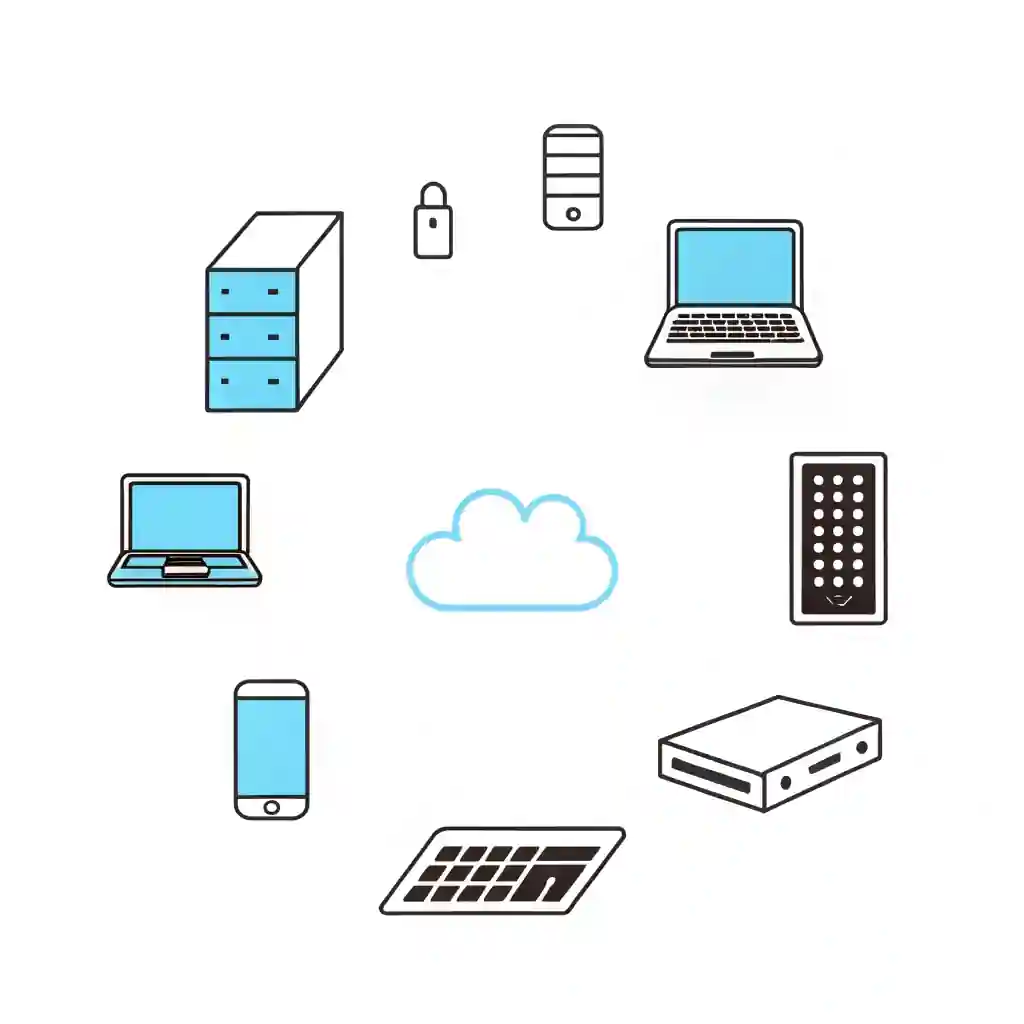
Table of Contents
- Written by Dean Bent
Why Business Hardware Still Matters in the Age of the Cloud
You’d think that with everything moving to the cloud, hardware would fade into the background. Not quite. Business hardware remains the backbone of modern operations — without it, all that clever software and SaaS brilliance has nowhere to run.
From laptops to servers and secure routers, physical tech keeps your systems responsive, data safe, and staff productive. Even in a hybrid world, strong hardware delivers the speed, reliability, and control businesses need.
Think of it as the foundation beneath your digital empire. Without solid kit, even the best cloud service will struggle.

Ken Harris
Senior Sales Consultant
We are Experts working with top vendors like Lenovo, Microsoft, Go-To & so much more. We can help with anything!
- No obligation
- No Haggling
- Trusted support
Core Business Hardware Every Company Needs
Every organisation — from start-ups to enterprises — relies on dependable devices. Here’s what should be in your business hardware lineup.
Servers and Storage Devices
Servers still play a vital role for local hosting, backup management, or hybrid cloud setups. Choose scalable, redundant models to ensure uptime and performance.
Desktops, Laptops, and Workstations
Flexible work demands lightweight, secure, and fast devices. Business-grade laptops such as HP ProBooks or Lenovo ThinkPads offer strong security and lifecycle support.
Networking Equipment (Routers, Switches, Firewalls)
Your network gear defines your speed and safety. Invest in business-class routers and next-gen firewalls for smooth, secure connectivity across offices.
Printers, Scanners, and Peripherals
Yes, offices still print! Network printers and multi-function devices can be managed centrally to track usage and cut waste.
Backup Devices and NAS Drives
Offline or local backups remain essential. A network-attached storage (NAS) device provides easy access and redundancy — ideal for hybrid recovery plans.
How to Choose the Right Hardware for Your Business
Selecting business hardware shouldn’t be guesswork. Follow this mini checklist before purchasing:
Hardware Selection Checklist
- Assess Needs – Identify what each department actually uses.
- Set Budgets – Balance cost with expected performance lifespan.
- Think Scalability – Choose modular devices that can grow with you.
- Prioritise Security – Ensure built-in encryption and endpoint protection.
- Plan Lifecycle – Replace or upgrade equipment every 3–5 years.
Pro tip: Ask yourself if that shiny new gadget boosts productivity or just looks good on your desk.
Common Mistakes Businesses Make with Hardware
- Ignoring Lifecycle Management – Old machines drag down speed and security.
- Buying Consumer-Grade Equipment – It might be cheap but won’t last.
- Skipping Vendor Support or Warranties – Repairs get costly fast.
- Neglecting Endpoint Security – Each device is a potential doorway for cyber-attacks.
If your laptop sounds like a small jet every time you open Teams, it’s time to refresh your setup.
Sustainable Hardware Choices
Green IT isn’t just marketing fluff. Energy-efficient business hardware reduces running costs and carbon impact. Look for Energy Star-rated devices, recycle responsibly, and consider refurbished equipment where suitable.
Vendors like Dell and HP now offer take-back schemes — a win for your budget and the planet.
Hardware Management Best Practices
Managing a modern hardware estate requires more than spreadsheets.
- Asset Tagging ensures accountability.
- Remote Monitoring and Management (RMM) tools flag faults early.
- Centralised Updates keep security patches consistent.
Partnering with Qual Limited means proactive management, warranty tracking, and integration with your wider IT infrastructure plan.
The Future of Business Hardware
Tomorrow’s business hardware will blend AI-driven optimisation, edge computing, and device-as-a-service (DaaS) models. Expect smarter, subscription-based hardware that adapts automatically to workloads — reducing downtime and capital costs.
How Qual Limited Helps Businesses Build Reliable IT Foundations
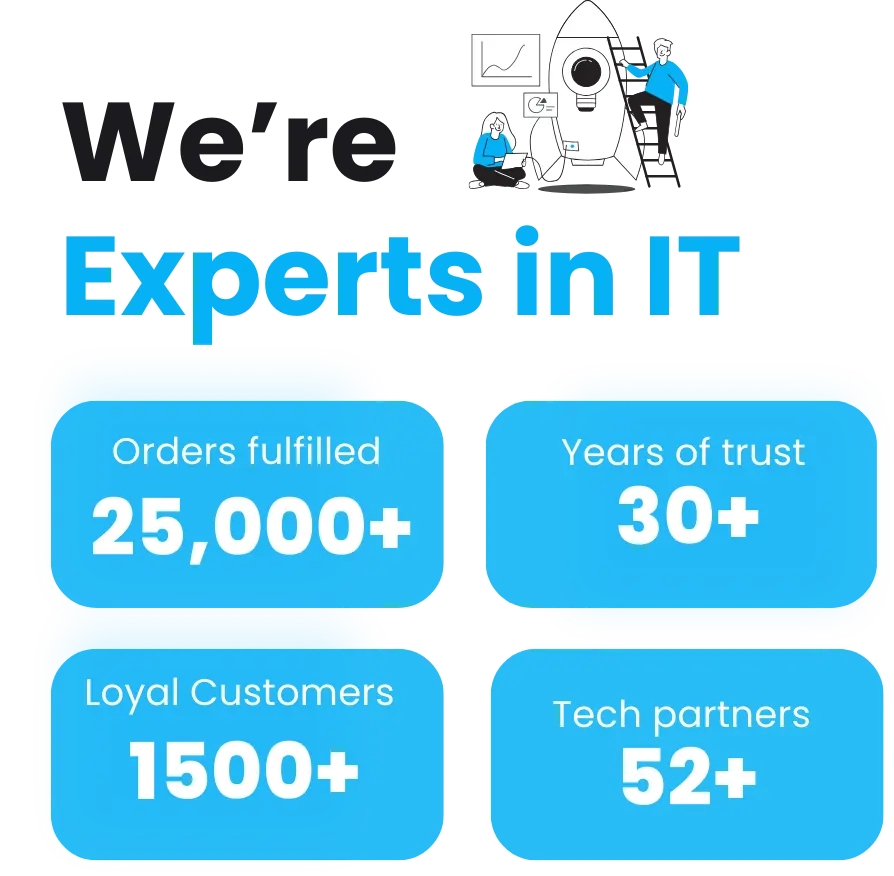
Qual Limited has spent over 30 years helping companies design, deploy, and maintain dependable business hardware infrastructures.
From procurement through to lifecycle management and secure disposal, our partnerships with tier-one vendors mean your tech estate runs efficiently and sustainably.
👉 Talk to Qual Limited about planning, building, and securing your IT setup.
FAQs
What is business hardware?
It’s the physical technology — servers, laptops, routers, and peripherals — that powers your digital operations.
How often should I replace business hardware?
Most devices last 3–5 years before performance or warranty limitations kick in.
How can I manage hardware across multiple offices?
Use centralised RMM platforms and asset-tagging systems for full visibility.
Can I make my hardware setup more sustainable?
Yes — buy energy-efficient devices, extend lifecycle through maintenance, and recycle old kit responsibly.
What should I include in a business hardware checklist?
Inventory details, device condition, warranty status, and review dates.
Continue Reading: IT Risk & Support Strategy
Understanding operational risk, IT resilience, and structured technology management is essential for organisations reviewing their IT strategy. These guides explore the most common risks businesses face when managing infrastructure and selecting the right IT support approach.
Reactive IT Management Risks
Learn how reactive IT environments introduce hidden operational risks that can lead to downtime, security exposure, and unstable systems.
Single Point of Failure in IT: The Hidden Risk That Breaks Businesses
Discover how single points of failure develop inside IT environments and how resilient infrastructure planning removes them.
Immutable Backup: The Last Line of Defence in Your IT Resilience Strategy
Understand why immutable backup is now considered one of the most important defences against ransomware and data loss.
Business Continuity vs Disaster Recovery: RTO, RPO and Real-World IT Planning
Explore how continuity planning and disaster recovery strategies work together to protect organisations from operational disruption.
Evaluating Your IT Support Model
If your organisation is reviewing its IT support structure or considering changing providers, these guides explain what businesses should evaluate before committing to a new support agreement.
Signs Businesses Have Outgrown IT Support
Identify the warning signs that your current IT support model may no longer support the growth or operational requirements of your business.
Managed IT Services vs Break-Fix Support
Compare proactive managed IT services with traditional reactive support models and understand which approach provides greater stability and long-term value.
How to Choose a Risk-Led IT Support Provider in the UK
A practical guide explaining what businesses should evaluate when selecting an IT support partner focused on risk reduction and operational stability.
Assess Your Current IT Risk Exposure
Before committing to new infrastructure or a new IT support provider, you can also:
Complete the IT Governance & Risk Snapshot to identify operational risk gaps.
Use the IT Quote Comparison Tool to validate supplier pricing and review IT proposals.
Ken Harris
Senior Sales Consultant
We are Experts working with top vendors like Lenovo, Microsoft, HPE, HP, DELL, Go-To & so much more. We can help with anything IT!
- No obligation
- No Haggling
- Trusted support
- Written by Dean Bent