NEW! Compare your current
IT quote

VoIP for Auto Dealerships: Transforming Customer Experience Through Smarter Communication
VoIP for auto dealerships is transforming how sales, service, and finance teams connect with customers, providing faster, smarter, and more reliable communication across every department.

Carlton Alfred
Head of Infrastructure and Transformation Services

Table of Contents
- Written by Dean Bent
Introduction: The Modern Challenge for Auto Dealerships
The car buying process has changed — but has your communication system kept up?
Today’s customers expect instant responses, personalised service, and seamless interactions across every channel — from the first online enquiry to after-sales support. Yet many dealerships still rely on outdated phone systems, siloed emails, or manual follow-ups that slow everything down.
That’s where VoIP for auto dealerships comes in. By unifying calls, video, chat, and CRM data in one cloud platform, VoIP gives your teams the agility and professionalism today’s customers demand.

Carlton Alfred
Head of Infrastructure and Transformation Services
Let me guide you
We are Experts working with top vendors like Lenovo, Microsoft, Go-To & so much more. We can help with anything!
- No obligation
- No Haggling
- Trusted support
Why Communication is the Heart of Customer Experience
In a dealership, every interaction matters. A delayed call or missed voicemail can mean the difference between winning or losing a sale.
Good communication builds trust — and trust sells cars.
When customers can reach the right person immediately (whether that’s sales, finance, or servicing), their experience improves dramatically.
Traditional landlines just can’t keep up with modern customer journeys, especially when teams are mobile, hybrid, or split across multiple sites.
That’s why VoIP for auto dealerships is no longer just an IT upgrade — it’s a strategic move towards operational excellence.
How VoIP for Auto Dealerships Drives Smarter Engagement
Unified Communication in Action
VoIP combines calls, video meetings, messages, and CRM data under one system. That means your sales team can handle customer queries, service appointments, and internal updates — all from one platform.
Seamless Collaboration Between Departments
Service advisors can instantly message sales about warranty details. Finance can update a deal note in real time. And customers? They enjoy faster responses and smoother service, no matter who they speak to.
With VoIP for auto dealerships, you’re not just improving communication — you’re enhancing every touchpoint in the customer journey.
The Top 3 Ways VoIP Improves Customer Experience
1. Faster Response Times = Happier Customers
Call routing and auto-attendants ensure every enquiry reaches the right department immediately — no more bouncing between extensions.
2. Better Team Coordination = Stronger Sales
Whether your sales team is on-site or remote, VoIP keeps everyone connected. Integration with CRM systems ensures no lead falls through the cracks.
3. Integrated Systems = Fewer Missed Opportunities
With unified reporting, dealership managers can track performance, missed calls, and conversion rates in real time — helping to refine sales strategies on the fly.
Real-World Example: How VoIP Transformed a UK Dealership
A medium-sized UK dealership with multiple branches struggled with communication delays between sales and servicing. After adopting GoTo Connect, implemented by Qual Limited, they reduced response times by 47% and improved first-call resolution rates by 32% within three months.
Staff could answer calls from mobile apps, managers could monitor call queues live, and customers received faster callbacks — leading to improved satisfaction scores across every department.
The Power of Partnership: GoTo + Qual Limited
As a GoTo Rising Star Partner, Qual Limited helps businesses harness award-winning VoIP and UCaaS tools that drive smarter, more connected workplaces.
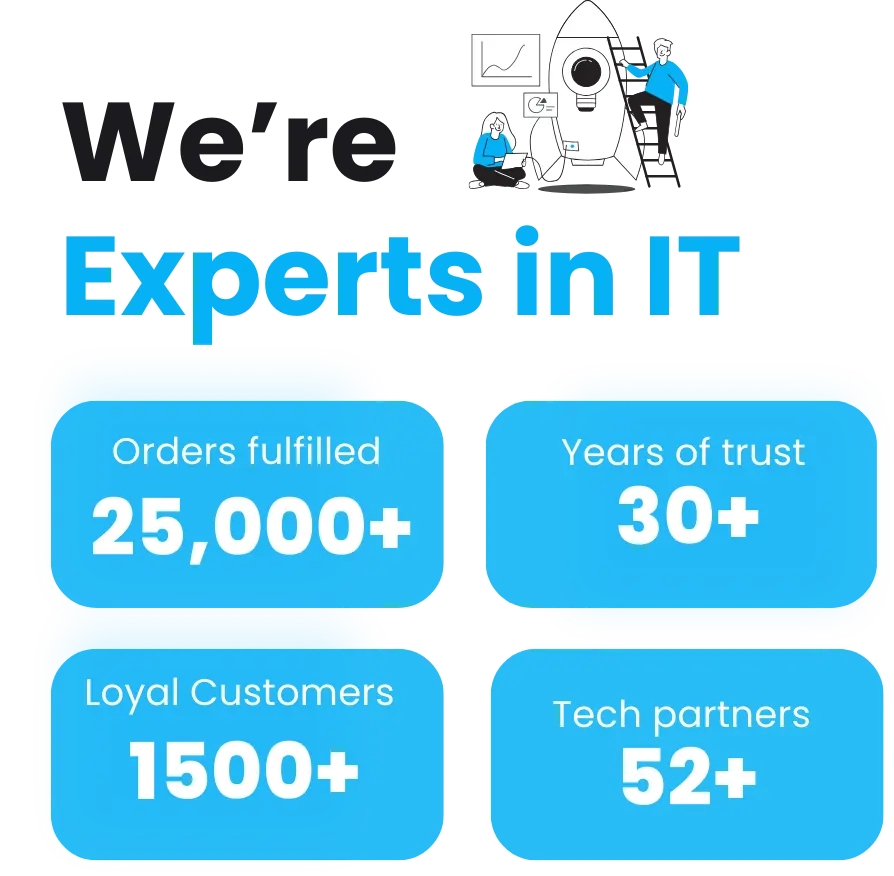
GoTo’s unified communication technology, combined with Qual Limited’s 30 years of IT expertise, ensures that your dealership isn’t just adopting new tech — you’re building a communication strategy designed for growth and reliability.
Our partnership means you get direct access to UK-based support, expert setup, and ongoing optimisation for your systems — ensuring your VoIP platform continues to perform long after installation.
At Qual Limited, we’re proud to partner with GoTo — a global leader in unified communications — to deliver reliable, secure, and scalable VoIP solutions that empower automotive businesses to stay ahead.
VoIP vs Traditional Phone Systems
Top Tips: Choosing the Right VoIP System for Your Dealership
Assess Your Dealership Size – Multi-branch setups benefit from a cloud-based VoIP system with unified reporting.
Integrate with CRM – Ensure seamless connection with your sales and customer databases.
Prioritise Security & Compliance – Choose a provider like GoTo that’s ISO-certified and GDPR-compliant.
Plan for Growth – Select a scalable plan that can expand as your dealership does.
Mini Checklist: Is Your Dealership Communication-Ready?
✅ You can answer calls across devices (desk, mobile, or web).
✅ All customer calls are logged automatically into your CRM.
✅ You can host video calls and team meetings on the same system.
✅ You have real-time visibility of call analytics.
✅ Your VoIP solution is managed by a trusted UK partner — Qual Limited.
If you answered “no” to any of the above, it’s time for an upgrade.
FAQs about VoIP for Auto Dealerships
What makes VoIP better for dealerships than landlines?
VoIP offers flexibility, scalability, and cost savings. Dealerships can easily manage multiple locations and remote teams under one system.
Is VoIP reliable enough for high-volume call centres?
Absolutely. GoTo Connect, supported by Qual Limited, delivers enterprise-grade uptime and call quality with redundancy built in.
How secure is VoIP?
GoTo’s VoIP platform includes end-to-end encryption, secure authentication, and GDPR-compliant data handling to keep your communications safe.
Can VoIP integrate with dealer management systems (DMS)?
Yes — VoIP can be integrated with CRMs and DMS software to streamline customer interactions and track leads effectively.
Why choose Qual Limited for VoIP?
Because we don’t just sell VoIP — we deliver end-to-end communication solutions tailored for your dealership’s unique needs, backed by 30 years of trusted IT expertise.
Conclusion
In an industry where timing and trust define success, VoIP for auto dealerships is no longer optional — it’s essential. It delivers faster responses, better collaboration, and the flexibility your teams need to thrive in today’s digital-first world.
At Qual Limited, we’ve spent three decades helping businesses like yours modernise communication systems and streamline operations.
Talk to Qual Limited about upgrading your dealership’s communications. Let your Account Manager help you choose the right VoIP solution today.
Related Information
Unified Comms for the Automotive Industry: Driving Smarter Communication
VoIP vs Landline: Why Modern Businesses Are Switching
What is VoIP and Why Is It Important for Modern Businesses?
Voice over Internet Protocol (VOIP)
Continue Reading: IT Risk & Support Strategy
Understanding operational risk, IT resilience, and structured technology management is essential for organisations reviewing their IT strategy. These guides explore the most common risks businesses face when managing infrastructure and selecting the right IT support approach.
Reactive IT Management Risks
Learn how reactive IT environments introduce hidden operational risks that can lead to downtime, security exposure, and unstable systems.
Single Point of Failure in IT: The Hidden Risk That Breaks Businesses
Discover how single points of failure develop inside IT environments and how resilient infrastructure planning removes them.
Immutable Backup: The Last Line of Defence in Your IT Resilience Strategy
Understand why immutable backup is now considered one of the most important defences against ransomware and data loss.
Business Continuity vs Disaster Recovery: RTO, RPO and Real-World IT Planning
Explore how continuity planning and disaster recovery strategies work together to protect organisations from operational disruption.
Evaluating Your IT Support Model
If your organisation is reviewing its IT support structure or considering changing providers, these guides explain what businesses should evaluate before committing to a new support agreement.
Signs Businesses Have Outgrown IT Support
Identify the warning signs that your current IT support model may no longer support the growth or operational requirements of your business.
Managed IT Services vs Break-Fix Support
Compare proactive managed IT services with traditional reactive support models and understand which approach provides greater stability and long-term value.
How to Choose a Risk-Led IT Support Provider in the UK
A practical guide explaining what businesses should evaluate when selecting an IT support partner focused on risk reduction and operational stability.
Assess Your Current IT Risk Exposure
Before committing to new infrastructure or a new IT support provider, you can also:
Complete the IT Governance & Risk Snapshot to identify operational risk gaps.
Use the IT Quote Comparison Tool to validate supplier pricing and review IT proposals.

Carlton Alfred
Head of Infrastructure and Transformation Services
Let me guide you
We are Experts working with top vendors like Lenovo, Microsoft, Go-To & so much more. We can help with anything!
- No obligation
- No Haggling
- Trusted support
- Written by Dean Bent