Urgent: Windows 10 is now no longer supported, making systems vulnerable : 👉 Get Expert advice now
Source by Qual is live (Beta)
voip upgrade to desk phone

What is VoIP and Why Is It Important for Modern Businesses?

Table of Contents

VoIP—Another IT Acronym You'll Actually Want to Know

What is VoIP? The world of IT is filled with acronyms: VPN, MFA, XDR… and just when you thought it couldn’t get any more alphabet-soupy, here comes VoIP. But before your eyes glaze over, VoIP is actually one acronym that could save your business money, boost productivity, and future-proof your communications. Not bad for four little letters, right?

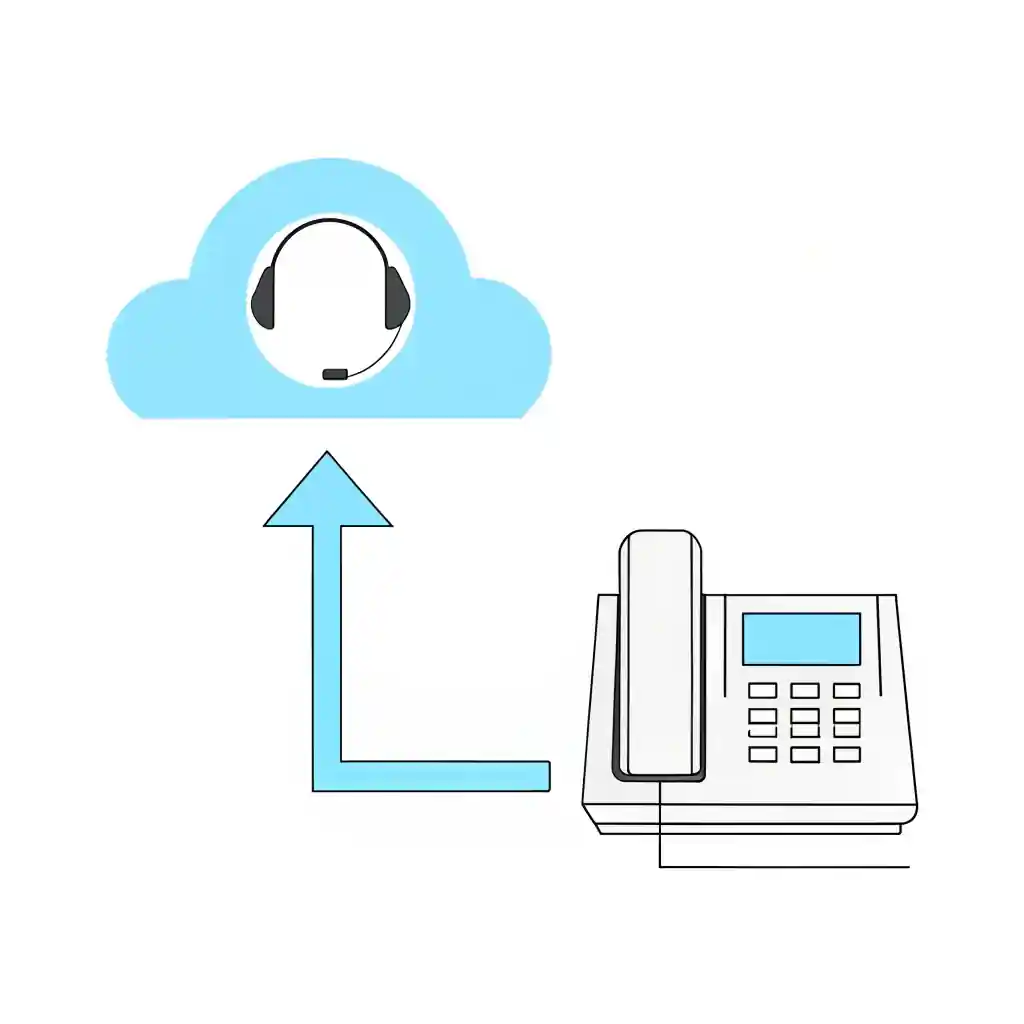
Let’s break it down. VoIP stands for Voice over Internet Protocol. In short, it means making phone calls over the internet rather than through traditional phone lines. Qual’s business VoIP solutions can help organisations plan, deploy and support a modern communications platform.

What is VoIP and How Does It Work?

VoIP uses your existing internet connection to transmit voice data, converting your voice into digital packets. These packets travel across the internet and are reassembled at the other end.

The result can be clearer, more flexible and potentially more cost-effective than a traditional landline, depending on your provider, package and usage requirements. You can use VoIP via:

  • Desk phones
  • Laptops and PCs
  • Mobile apps
  • Web-based softphones

All you need is a reliable internet connection.

Why VoIP is Important for Modern Businesses

Traditional phone lines are expensive, rigid, and being phased out (Moving landlines to digital technologies). VoIP is the modern alternative that supports:

  • Remote and hybrid working
  • Unified communications (voice, video, chat)
  • Cloud-based infrastructure
  • Scalability for growing teams

For UK SMEs, VoIP isn’t just nice to have — it’s essential for staying competitive.

Benefits of VoIP for SMEs and IT Managers

Here are the top reasons why UK SMEs are switching:

  • Potentially lower costs: Reduced line rental and more predictable call packages, depending on the provider and plan.
  • Scalability: Add/remove users easily
  • Flexibility: Make and take calls anywhere
  • Advanced features: Voicemail-to-email, call routing, CRM integration
  • Central management: One portal to rule them all (IT managers love this)

Businesses comparing packages should also review our business VoIP pricing guide to understand what can influence monthly costs, hardware requirements, setup, call allowances and optional features.

VoIP vs Traditional Phone Systems: What's the Difference?

VoIP and traditional phone systems both allow businesses to make and receive calls, but they operate in very different ways. Traditional services use fixed telephone lines and older PSTN or ISDN infrastructure, while VoIP carries calls through an internet connection. The UK is gradually replacing traditional PSTN-based services with digital, internet-based alternatives.

Area VoIP phone system Traditional phone system What it means for your business
How calls are delivered Calls are converted into digital data and sent through an internet connection. Calls are carried through traditional telephone lines, commonly using PSTN or ISDN infrastructure. VoIP allows voice communications to work alongside other cloud-based business systems. (www.ofcom.org.uk)
Where employees can work Users can often make and receive business calls through desk phones, computers and mobile applications. Users are normally tied more closely to a physical handset and office telephone line. VoIP is generally better suited to remote, hybrid and multi-location teams. (www.ofcom.org.uk)
Adding users New users, numbers and extensions can usually be added through an online administration portal. Additional users may require new lines, physical installation or changes to on-site equipment. VoIP can be easier to scale when your organisation grows, relocates or opens another site.
Features Common features include auto attendants, call queues, voicemail-to-email, mobile applications, video meetings, analytics and integrations. Traditional systems usually focus on voice calling, voicemail, transfers and basic call routing. VoIP can bring calling, messaging, meetings and collaboration into one platform. (BT Business)
Hardware Businesses may use compatible IP desk phones, headsets, computers or mobile devices. Traditional systems commonly rely on fixed handsets, telephone sockets and an on-site phone system or PBX. VoIP may reduce the amount of specialist telephone hardware required, although compatible devices may still need to be purchased.
Installation Hosted VoIP can often be configured remotely, although connectivity, call flows, number porting and devices still need planning. Traditional systems may require physical cabling, telephone lines and on-site engineering work. The VoIP deployment process can be more flexible, but it should still be properly designed and tested.
Ongoing management Users, call routes, opening hours and permissions can often be managed through a web portal. Changes may require an engineer, provider request or manual reconfiguration of the telephone system. Routine changes can normally be completed more quickly with VoIP.
Costs Usually charged through monthly user licences, with possible extra costs for hardware, setup, calls, integrations and advanced features. Costs may include line rental, maintenance, hardware, call charges and engineer visits. VoIP can provide more predictable costs, but businesses should compare the full service rather than only the monthly licence price.
Internet dependence Call quality and availability depend on the reliability, capacity and configuration of the internet connection. Traditional calls do not normally rely on the organisation’s broadband connection. Businesses moving to VoIP should review bandwidth, network quality, failover and resilience before deployment.
Power cuts Phones connected through a broadband router may stop working if the premises loses power unless backup power or another resilience option is available. Some traditional corded phones can continue operating during a local power cut because power is supplied through the telephone network. Backup power, mobile failover and emergency-calling arrangements should form part of the VoIP plan. (www.ofcom.org.uk)
Business continuity Calls can often be redirected to other locations, mobiles or alternative users if the main office becomes unavailable. Redirecting calls may be more limited or require provider intervention. VoIP can support more flexible continuity arrangements when offices, teams or connections are disrupted.
Integrations May integrate with Microsoft Teams, CRM platforms, contact centres and other business applications. Integrations are usually more limited and may require additional hardware or specialist configuration. Connecting calls with customer and productivity systems can improve visibility and reduce manual administration.
Future readiness Built around digital and cloud-based communications. Based on older telephone-network technology that is being replaced across the UK. VoIP is the more future-ready option, but the migration should also account for alarms, lift lines, payment terminals and other equipment that may still use traditional phone services. (GOV.UK)

*AI receptionist availability depends on the provider and plan selected.

Top Use Cases for UK Businesses

  1. Customer Support Teams: Use VoIP to queue, route, and record calls.
  2. Remote Workforces: Take your number anywhere with mobile apps.
  3. Multi-Site Operations: One system, multiple offices.
  4. Sales Teams: Integrate with CRM to track call data and boost conversions.

Challenges and Considerations Before Switching

Before diving into VoIP, consider:

  • Internet reliability: A poor connection = poor call quality
  • Power cuts: No internet = no calls (unless you have a mobile backup)
  • Data security: VoIP must be encrypted and compliant

Once your requirements are clear, our guide to choosing the right VoIP provider explains how to compare reliability, support, features, scalability and contract terms.

Qual Limited can help assess your readiness with a free VoIP audit.

FAQs About VoIP

What equipment do I need for VoIP?

Most systems only require an internet connection and a device (PC, smartphone, or IP phone).

Is VoIP secure?

Yes, if implemented correctly. We use encryption, secure protocols, and monitoring tools.

Will VoIP work with my CRM?

Yes. Most leading VoIP systems integrate with CRMs like Salesforce, HubSpot, and Zoho.

Can I keep my current number?

Yes, number porting is available with most providers.

What happens if the internet goes down?

Many VoIP setups include mobile failover or call forwarding to ensure continuity.

Plan Your VoIP Migration with Qual

Moving to VoIP requires more than choosing a phone package. Qual can help you review your users, locations, call flows, connectivity, hardware and integration requirements before recommending a suitable solution. We can also support number migration, configuration, deployment and ongoing management.

At Qual Limited, we:

  • Audit your current setup
  • Design a VoIP solution tailored to your needs
  • Handle setup, migration, and ongoing support
  • Offer reliable UK-based helpdesk support

Let us help you move from outdated phone systems to a streamlined, cloud-first future.

Speak with an account manager today to discuss your VoIP requirements and plan a suitable migration.

Share This Blog

Get Expert Advice

Blog Contact Forms

Please note preferred dates are targets, not guarantees 

Search for blogs

Featured Blog

meet the team

Tailored Expert Advice
is a few clicks away

Blog Popup

We’ll be in touch within the next 24 hours (Mon-Fri)

New Starter
IT Cost Calculator

New Starter IT Cost Calculator

£
%
£


Your estimated annual onboarding IT cost

Estimated cost: £

This estimate is based on your onboarding volume, average setup time, and whether laptops and day-one readiness are consistent.

Next: enter your email to receive a tailored recommendation.

System Upgrade
Check Instructions

Quick System Check Instructions:

  1. Press the Windows Key or click Start.
  2. Open Settings.
  3. Navigate to Update & Security.
  4. Select Windows Update.
  5. Click Check for updates.

Your system will automatically determine if Windows 11 is available for your device. If compatible, the upgrade option will appear. If not, you'll receive information about what needs to be updated to proceed.

Your system will automatically determine if Windows 11 is available for your device.

Business IT Services & Hardware | Qual Limited UK

We're ready
to help👋

Request a quick call back for a no-obligation chat. With over 30 years of practical experience, our UK-based experts are ready to help. Guaranteed no pushy sales, just a friendly call to understand your challenges and explore some potential solutions. 

Start the conversation

Qual Main Popup full page

Please note preferred dates are targets, not guarantees 

By submitting, you consent to contact regarding our products and services in accordance with our Privacy Policy

Business IT Services & Hardware | Qual Limited UK

Chat to
An Expert

Are you looking to connect with a dedicated account manager who can tailor IT solutions to meet your business needs?

Start the conversation

Qual Main Popup full page

Please note preferred dates are targets, not guarantees 

By submitting, you consent to contact regarding our products and services in accordance with our Privacy Policy

Business IT Services & Hardware | Qual Limited UK

Chat to
An Expert

Are you looking to connect with a dedicated account manager who can tailor IT solutions to meet your business needs?

Start the conversation

Qual Main Popup full page

Please note preferred dates are targets, not guarantees 

By submitting, you consent to contact regarding our products and services in accordance with our Privacy Policy