Urgent: Windows 10 is now no longer supported, making systems vulnerable : 👉 Get Expert advice now
Source by Qual is live (Beta)
voip vs landline

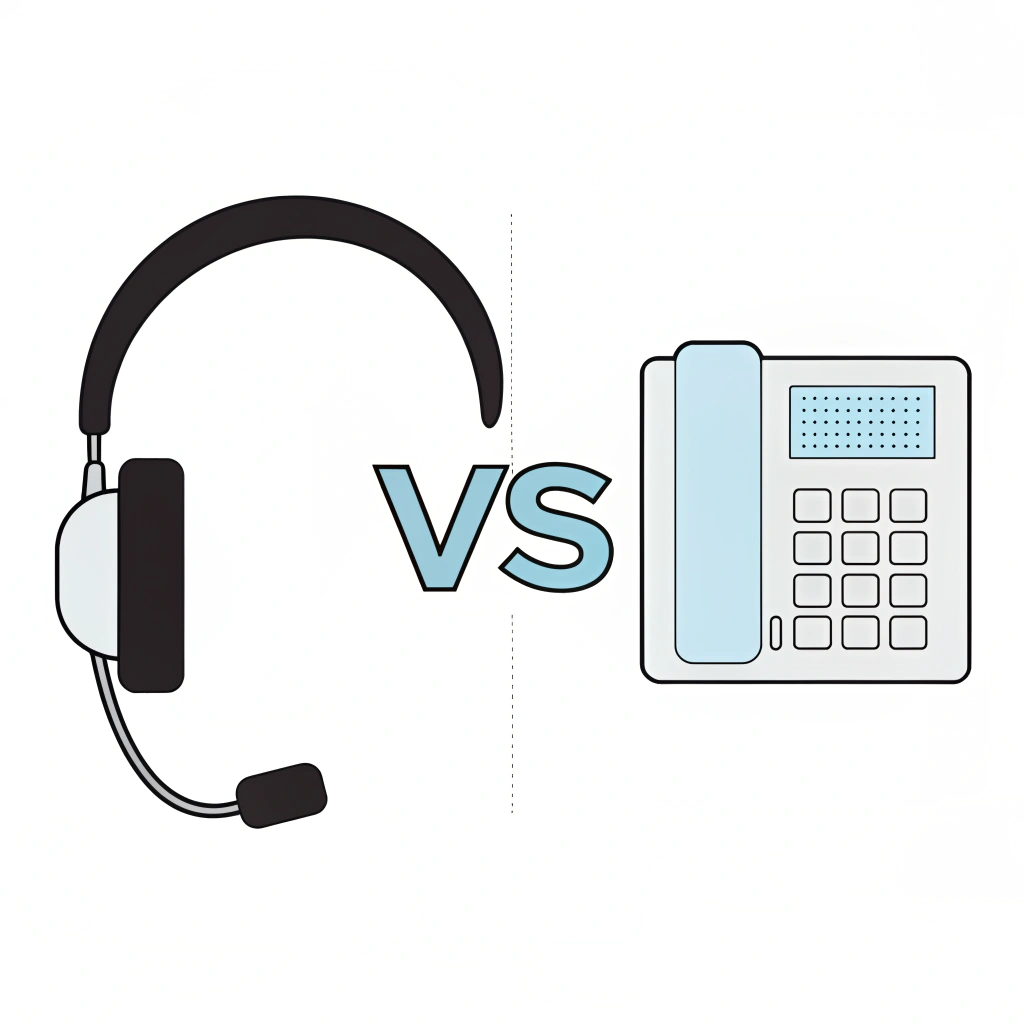
VoIP vs Landline: Why Modern Businesses Are Switching

Table of Contents

Why UK Businesses Are Moving from Landlines to VoIP

Traditional business phone systems are changing. The UK is moving away from older PSTN and ISDN services towards digital, internet-based communications, with the transition expected to be largely completed by the end of January 2027.

Businesses still using traditional telephone lines should review their phone systems and any connected equipment before migrating. This may include alarms, payment terminals, lift lines, fax machines, door-entry systems and other services that still rely on an analogue connection.

VoIP provides a modern alternative by carrying calls through an internet connection. It can give businesses greater flexibility, easier administration and access to features that are difficult to deliver through a traditional landline system.

What is VoIP In Simple Terms?

VoIP stands for Voice over Internet Protocol. Qual’s business VoIP solutions can help organisations plan, deploy and support a modern phone system around their users, locations and communication requirements.

In plain English: it’s a phone system that works over Wi-Fi or broadband.

You can use it on:

  • Your desk phone
  • Your laptop
  • Your mobile

And because it’s software-based, you get all your calls, voicemails, and call controls in one app. Think of it as your phone system, but smarter.

What Are Landlines?

Landlines use a fixed phone line made from physical wires (PSTN or ISDN) to transmit voice signals. This is the traditional phone system we’ve used for decades.

Key facts:

  • You need a dedicated handset
  • Calls go through underground cables
  • It usually ties you to one location
  • Limited features beyond basic calling

The UK’s traditional PSTN network is being retired, with the transition expected to be largely completed by 31 January 2027. Businesses using affected telephone lines or analogue equipment will need to review how those services will operate after migration to digital connectivity.

VoIP vs Landline: Why Businesses Consider VoIP

1. More Predictable Communication Costs

VoIP can help businesses create a more predictable communications budget by combining user licences, call features and administration within one service. The final cost will depend on the number of users, included calls, hardware, integrations, support and contract terms. Businesses should compare the complete proposal rather than focusing only on the advertised monthly licence. Setup, number porting, devices, international calls and advanced features may be charged separately. For a clearer breakdown of licensing, hardware, setup and optional feature costs, read our business VoIP pricing guide.

2. Easier to Scale

Users, numbers and call groups can often be added or changed through an online administration portal. Additional licences, handsets or connectivity may still be required depending on the service.

3. Supports Flexible Working

Supported desktop and mobile applications can allow employees to make and receive business calls across different locations. Performance and availability depend on suitable connectivity, devices and provider features.

4. Wider Range of Call Features

Depending on the provider and plan, VoIP may include voicemail-to-email, call forwarding, auto attendants, call queues, recording, video calling and analytics.

5. Existing Numbers Can Usually Be Ported

Many existing business telephone numbers can be transferred to a VoIP service. Eligibility, timescales and charges should be confirmed before the existing service is cancelled.

6. Integration with Business Applications

Some VoIP platforms can integrate with Microsoft Teams, Microsoft 365, CRM systems, calendars and other business applications. Integration availability varies between providers and packages.

7. Centralised Management

Users, permissions and call routes can often be managed remotely. However, on-site assistance may still be required for handsets, cabling, network equipment or connectivity issues.

Comparison Table: VoIP vs Landline for Business

FeatureVoIPTraditional Landline
Cost structureCosts may include user licences, calls, hardware, setup, integrations and supportCosts may include line rental, calls, equipment and maintenance
ScalabilityUsers and numbers can often be added through an administration portal, although additional hardware or connectivity may be requiredAdditional lines, hardware or on-site work may be required
MobilitySupported applications and softphones can allow staff to use the service across devices and locationsUsually associated with a fixed location unless forwarding or additional mobile services are configured
Call featuresMay include call queues, auto attendants, voicemail-to-email, recording and analytics, depending on the planUsually provides core calling and a smaller range of additional features
IntegrationsMay integrate with Microsoft Teams, Microsoft 365, CRM platforms and other business systemsIntegration options are generally more limited
Service requirementsRequires suitable internet connectivity, network equipment and powerLegacy services rely on fixed-line infrastructure; replacement digital landlines may also require a router and power
ManagementConfiguration, users and call routes can often be managed remotelyChanges may require assistance from the provider or work at the premises

*Feature availability varies between providers and plans, including AI-assisted functions.

The Benefits of VoIP for Businesses

Save Money – VoIP can be more cost-effective than a traditional landline system, particularly where a business needs multiple users, locations, mobile applications or advanced call-management features. However, the overall value depends on the service design and package selected.

Work Anywhere – VoIP is built for flexibility. Your team can make and receive business calls from anywhere with an internet connection—whether at home, in the office, or abroad. This supports hybrid working models and ensures that staff stay connected wherever they are.

Get More Done – VoIP includes smart features like call forwarding, voicemail-to-email, auto attendants, and call recording. These help staff respond quicker and deliver better service. You can even integrate your VoIP system with calendars, CRMs, and productivity tools like Microsoft Teams for smoother workflows.

Stay Future-Proof – With BT’s PSTN and ISDN switch-off coming by 31 January 2027, landlines are becoming outdated. VoIP systems are digital-first and constantly improving. By adopting VoIP now, your business is investing in tech that will adapt to future changes and new ways of working.

Grow Without Stress – Scaling with VoIP is simple. Want to add a new user or a whole department? You can do it in minutes—no need for engineers or physical phone lines. This is ideal for growing businesses, temporary teams, or those expanding across multiple sites.

Keep Your Number – Changing systems doesn’t mean changing phone numbers. With VoIP, you can port your existing landline number, keeping continuity with customers and suppliers.

One System, All Devices – Your business calls follow you across devices. Whether it’s a laptop, mobile, or desktop handset, your VoIP number works everywhere. No more missing calls because you stepped away from your desk.

Lower Environmental Impact – VoIP reduces the need for physical infrastructure and maintenance, and supports remote work, which cuts travel and lowers your carbon footprint.

Improved Customer Experience – VoIP gives your business more control over how calls are handled. Features like ring groups, call queues, and intelligent routing make sure customers get through to the right person faster. Call analytics help you identify and fix service gaps too.

Are There Any Downsides to VoIP?

Internet and network dependence: VoIP relies on suitable connectivity and correctly configured network equipment. Call quality or availability may be affected if the connection becomes unstable or unavailable.

Power and resilience planning: Desk phones and network equipment may stop working during a power cut unless backup arrangements are in place. Options can include call forwarding, mobile applications, secondary connectivity, 4G or 5G failover and backup power.

Voice Quality Can Vary: On a bad connection, call quality may suffer. But with good setup, it’s crystal clear.

Security Risks: Like any online service, security matters. VoIP should be protected with encryption and secure networks.

Do Landlines Still Have a Place in Business?

Some businesses keep one as a backup, especially in remote areas. But for most, the benefits of VoIP now outweigh the case for sticking with landlines.

Better to be ahead of the curve than rushed into a decision.

How to Move from Landline to VoIP: Step-by-Step

1. Audit your current system: What lines do you have? What do you use them for?
2. Check your broadband: Is your connection strong enough for VoIP?
3. Choose a suitable provider: Our guide to choosing the right VoIP provider explains how to compare reliability, support, features, scalability and contract terms.
4. Port your numbers: Move your landline numbers to VoIP so you keep continuity.
5. Train your team: Make sure everyone knows how to use the new system.
6. Monitor & optimise: Use VoIP reports to refine your call setup.

FAQs About VoIP vs Landline

Is VoIP really cheaper than a landline?

VoIP can reduce certain line-rental, maintenance and call costs, but it is not automatically cheaper for every business. The overall cost depends on your users, locations, hardware, connectivity, call patterns, required features, support and contract terms.

Will I lose my phone number if I switch to VoIP?

Existing business numbers can usually be transferred to a new VoIP provider through number porting. Eligibility, timescales and any charges should be confirmed before the migration begins, and the existing service should not be cancelled until the port has completed.

What happens if the internet goes down?

VoIP normally depends on working internet and power at your premises. A suitable resilience plan may include automatic call forwarding, mobile applications, secondary connectivity, backup power and provider-level rerouting. The available options depend on the platform and provider, so they should be agreed and tested before deployment.

Is VoIP secure?

VoIP can be secured using encryption, access controls, strong authentication, monitoring and correctly configured networks. The level of protection depends on the provider, platform, devices and security settings selected, so these should be reviewed as part of the deployment.

Do I need new phones?

Not necessarily. Some existing handsets may be compatible through an adapter or supported configuration, while others will need replacing. Staff may also be able to use approved desktop applications, mobile applications or browser-based softphones. Compatibility should be checked before ordering or migrating equipment.

Plan Your Move from Landline to VoIP with Qual

Moving from a traditional landline to VoIP requires more than choosing new handsets. Qual can help you review your existing numbers, users, call flows, connectivity, devices, integrations and resilience requirements before recommending a suitable approach.

We can support number porting, configuration, phased deployment, staff training and ongoing management, helping your business move to a modern communications platform with minimal disruption.

Discuss Your VoIP Requirements

Share This Blog

Get Expert Advice

Blog Contact Forms

Please note preferred dates are targets, not guarantees 

Search for blogs

Featured Blog

meet the team

Tailored Expert Advice
is a few clicks away

Blog Popup

We’ll be in touch within the next 24 hours (Mon-Fri)

New Starter
IT Cost Calculator

New Starter IT Cost Calculator

£
%
£


Your estimated annual onboarding IT cost

Estimated cost: £

This estimate is based on your onboarding volume, average setup time, and whether laptops and day-one readiness are consistent.

Next: enter your email to receive a tailored recommendation.

System Upgrade
Check Instructions

Quick System Check Instructions:

  1. Press the Windows Key or click Start.
  2. Open Settings.
  3. Navigate to Update & Security.
  4. Select Windows Update.
  5. Click Check for updates.

Your system will automatically determine if Windows 11 is available for your device. If compatible, the upgrade option will appear. If not, you'll receive information about what needs to be updated to proceed.

Your system will automatically determine if Windows 11 is available for your device.

Business IT Services & Hardware | Qual Limited UK

We're ready
to help👋

Request a quick call back for a no-obligation chat. With over 30 years of practical experience, our UK-based experts are ready to help. Guaranteed no pushy sales, just a friendly call to understand your challenges and explore some potential solutions. 

Start the conversation

Qual Main Popup full page

Please note preferred dates are targets, not guarantees 

By submitting, you consent to contact regarding our products and services in accordance with our Privacy Policy

Business IT Services & Hardware | Qual Limited UK

Chat to
An Expert

Are you looking to connect with a dedicated account manager who can tailor IT solutions to meet your business needs?

Start the conversation

Qual Main Popup full page

Please note preferred dates are targets, not guarantees 

By submitting, you consent to contact regarding our products and services in accordance with our Privacy Policy

Business IT Services & Hardware | Qual Limited UK

Chat to
An Expert

Are you looking to connect with a dedicated account manager who can tailor IT solutions to meet your business needs?

Start the conversation

Qual Main Popup full page

Please note preferred dates are targets, not guarantees 

By submitting, you consent to contact regarding our products and services in accordance with our Privacy Policy