How to Review Your IT Support Provider Before Contract Renewal
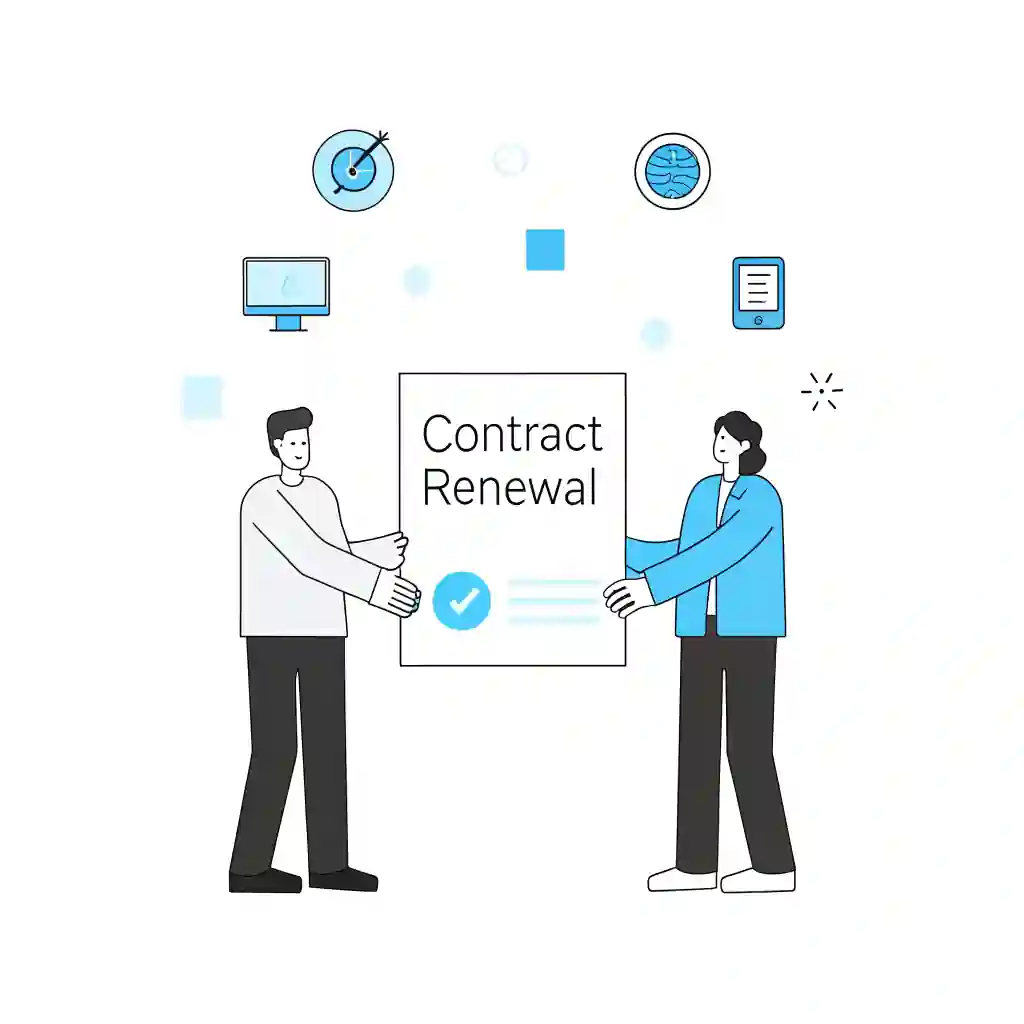
Before renewing an IT support contract, businesses should review service quality, recurring issues, SLAs, reporting, cyber security, communication and long-term supplier value….
A clear IT support supplier brief helps providers understand your users, systems, risks, service expectations and business priorities. This guide explains what…
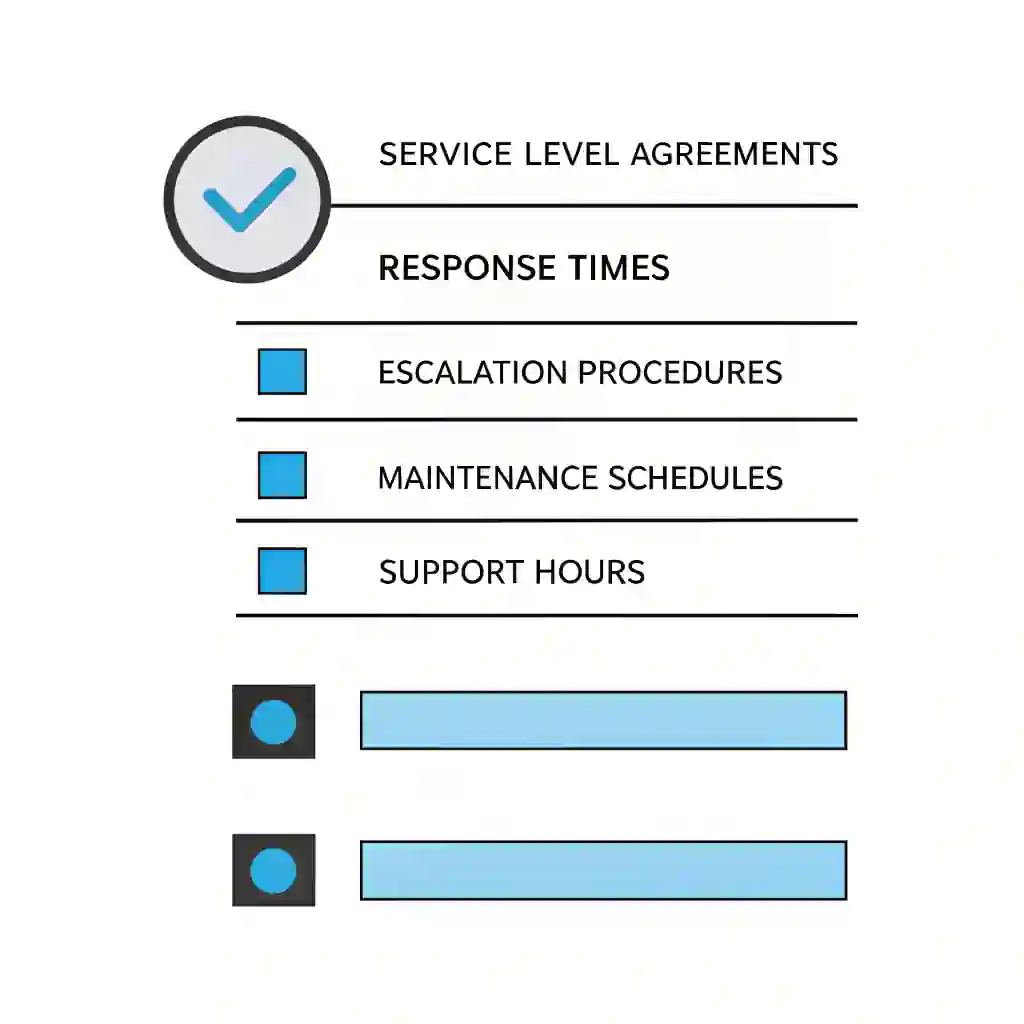
IT Support SLAs Explained for Business Decision-Makers
IT support SLAs are often misunderstood. This guide explains response times, resolution expectations, escalation, exclusions and supplier accountability so business decision-makers can…
IT Supplier Due Diligence Checklist for UK Businesses
Choosing an IT supplier should involve more than comparing price. This checklist helps UK businesses assess service scope, security, reporting, contracts and…
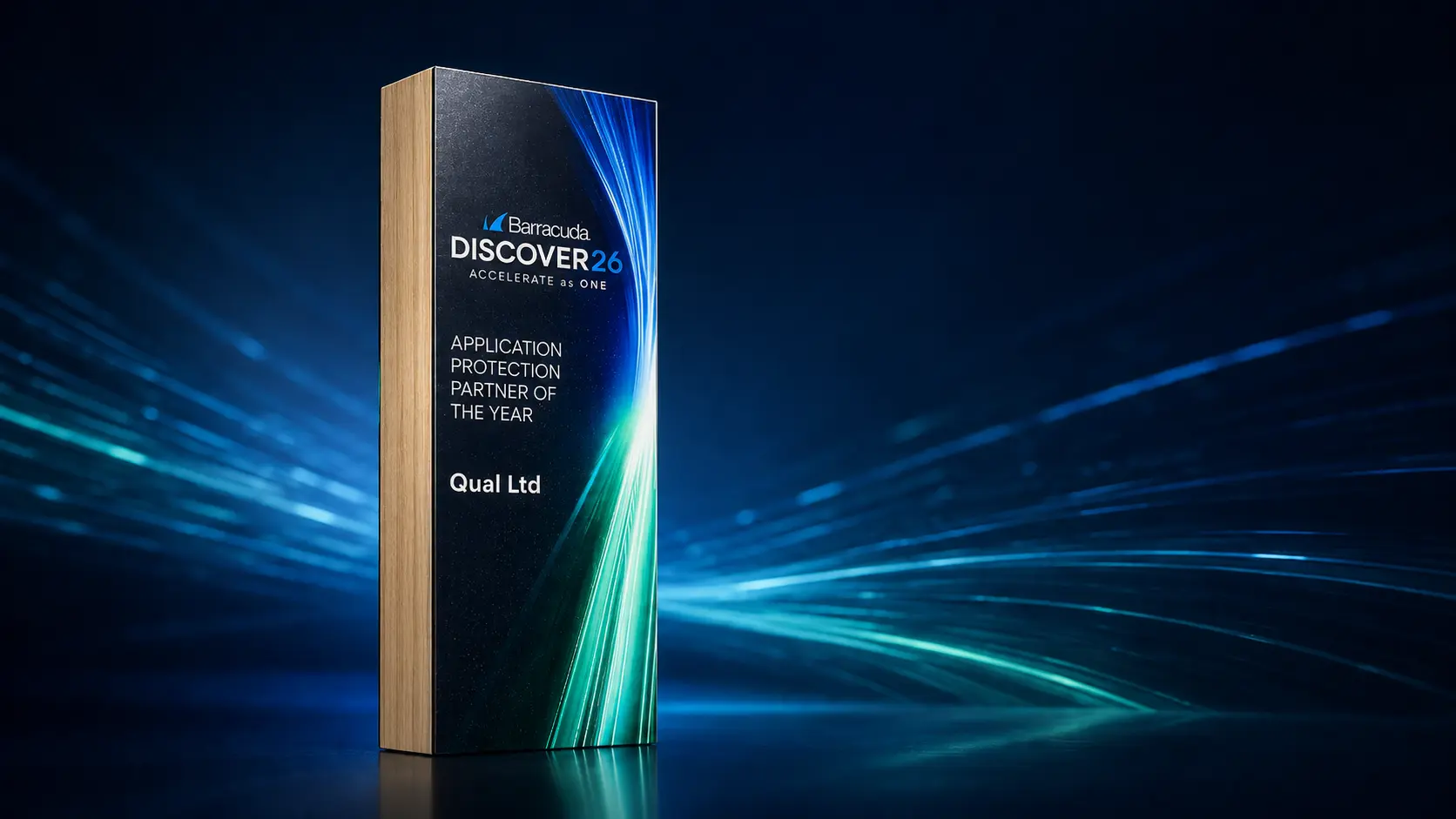
Qual Limited Named Barracuda Application Protection Partner of the Year at Discover26
Qual Limited has been recognised by Barracuda Networks as Application Protection Partner of the Year at Barracuda Discover26 in Malta, celebrating over…
How to Choose an IT Support Provider for Your Business
Choose IT support provider decisions carefully, as the wrong partnership can increase downtime, security exposure and long-term costs. This guide explains how…
IT Support Contract Checklist: What Every Business Should Review Before Signing
IT support contract checklist reviews help businesses avoid unclear scope, hidden costs and responsibility gaps that can increase operational risk. This guide…
How to Reduce IT Operational Risk in Growing Organisations
IT operational risk increases as organisations grow and technology environments become more complex. This guide explains how downtime, patch failures and reactive…
Why Patch Management Failures Cause Major Security Incidents in Modern Businesses
Patch management failures are a leading cause of major security incidents and operational disruption in modern businesses. This guide explains why delayed…
Your system will automatically determine if Windows 11 is available for your device. If compatible, the upgrade option will appear. If not, you'll receive information about what needs to be updated to proceed.
Your system will automatically determine if Windows 11 is available for your device.
We're ready
to help👋
No obligation
No Haggling
Trusted support
Request a quick call back for a no-obligation chat. With over 30 years of practical experience, our UK-based experts are ready to help. Guaranteed no pushy sales, just a friendly call to understand your challenges and explore some potential solutions.