Urgent: Windows 10 is now no longer supported, making systems vulnerable : 👉 Get Expert advice now
Source by Qual is live (Beta)
voip for schools

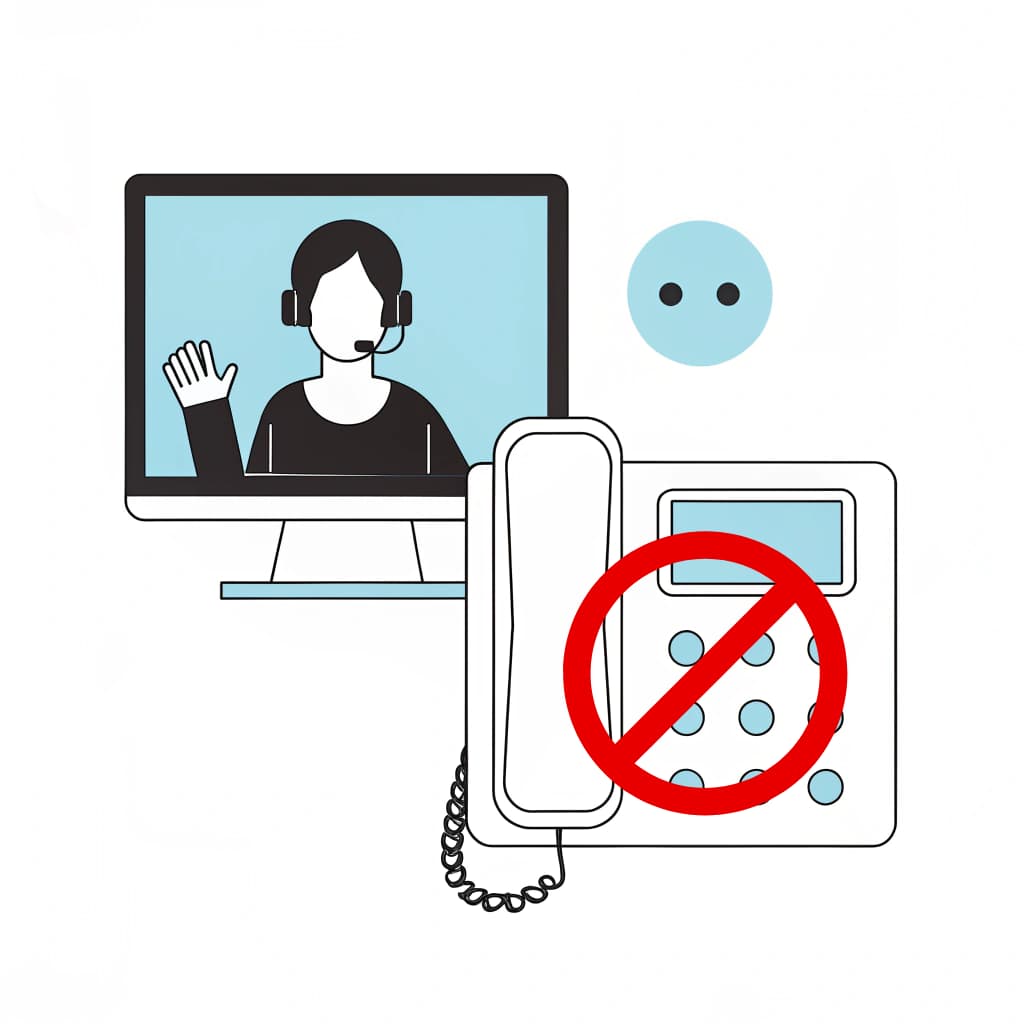
VoIP for Schools: Why It’s Time to Say Goodbye to Landlines

Table of Contents

Why Schools Are Moving to VoIP

VoIP for schools is becoming an increasingly important part of education technology planning. With traditional PSTN and ISDN services being retired, schools need to review their telephone lines, safeguarding arrangements, emergency communications and any other equipment that still relies on older analogue connections.

At Qual Limited, we’ve seen first-hand how VoIP for schools can transform both day-to-day communication and long-term IT planning. From primary schools to multi-academy trusts (MATs), VoIP enables institutions to modernise their communication systems while keeping staff, students, and parents connected more effectively.

Why Schools Still Rely on Landlines

Despite advances, many schools still rely on traditional landlines. Reasons include:

  • “If it isn’t broken, don’t fix it” mentality. Schools often stick with legacy systems because they seem reliable.
  • Budget concerns. Upfront costs of upgrading IT systems can make decision-makers hesitant.
  • Lack of awareness. Many education leaders simply aren’t aware of how VoIP for schools works or what benefits it brings.
  • Fear of disruption. Migrating from a system that’s been in place for decades feels risky.

However, with BT set to retire the PSTN and ISDN network by 2027, sticking with landlines is no longer an option. Schools that don’t move will face higher costs, reduced functionality, and eventually, no service at all.

The Problems with Traditional Landlines in Education

Landlines aren’t just outdated — they’re actively holding schools back. Here’s why:

  • High costs. Monthly rental fees, per-call charges, and maintenance expenses eat into school budgets.
  • Limited flexibility. Landlines tie you to a physical location; remote staff can’t access the system.
  • No integration. Landline phones can’t connect to modern tools like safeguarding systems, email, or video conferencing.
  • Scalability issues. Adding more lines means expensive installation work.
  • Future incompatibility. With the PSTN switch-off, landlines will soon stop working altogether.

This makes landlines not just inconvenient, but also a serious risk for schools that rely on seamless communication.

What is VoIP and How Does it Work for Schools?

VoIP (Voice over Internet Protocol) allows schools to make and receive calls over the internet instead of using copper phone lines. In simple terms, it replaces the old-school landline with a cloud-based system.

For schools, this means:

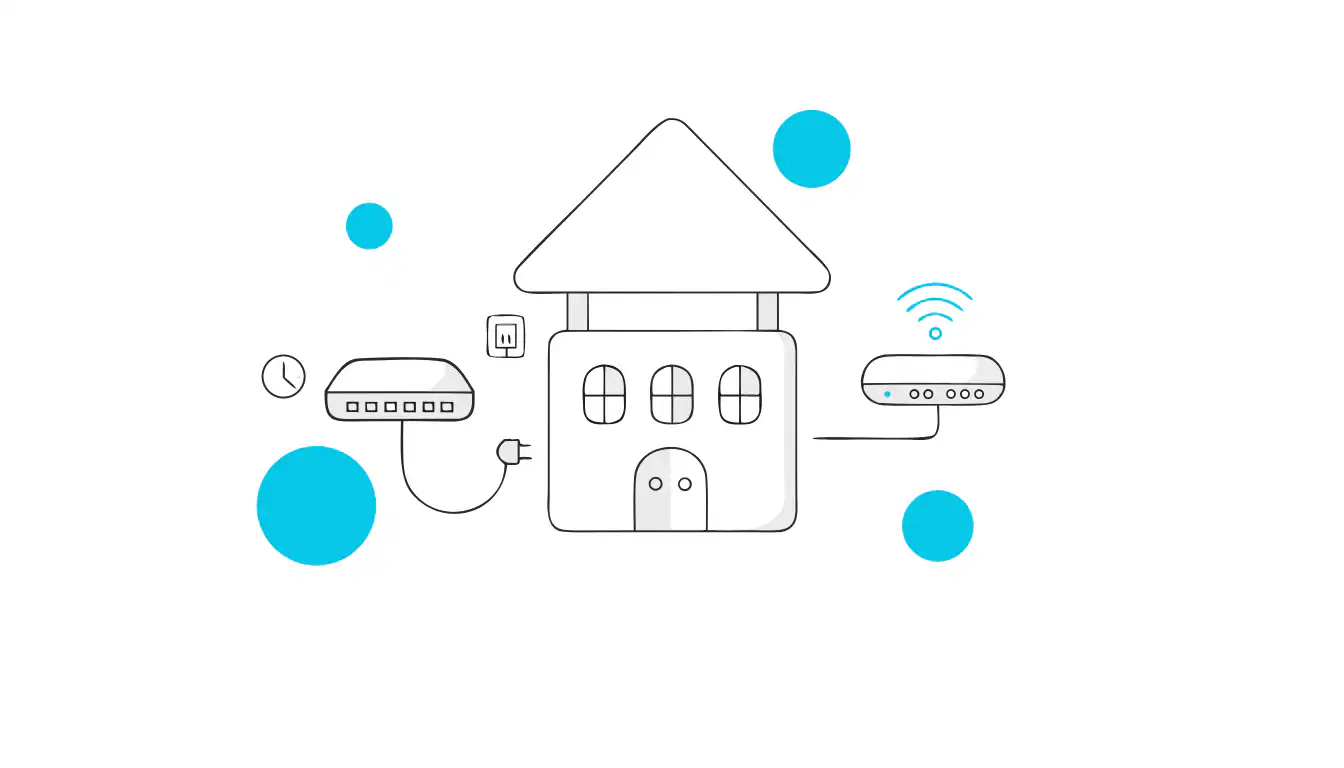
  • Phones connect via broadband or Wi-Fi.
  • Calls can be made on desk phones, mobiles, or laptops.
  • Features like voicemail-to-email, call recording, and conferencing come as standard.
  • No bulky hardware or maintenance is needed.

It’s not just a new phone system — it’s a complete communication solution that fits into modern education IT strategies.

Qual’s business VoIP solutions can help schools plan call flows, devices, number migration, resilience and ongoing support around their users and sites.

Key Benefits of VoIP for Schools

1. Cost Savings
One of the biggest wins of VoIP for schools is the reduction in costs:

  • No more expensive line rentals.
  • Free or reduced-cost internal calls across sites.
  • Low-cost international calling.
  • Bundled features included without add-on fees.

For budget-conscious schools, every pound saved on communication is a pound that can be redirected into teaching resources.

Schools comparing packages should use our VoIP pricing guide to understand the factors that influence licensing, hardware, setup, support and additional features.

2. Flexibility for Remote Teaching and Administration
VoIP isn’t tied to one building. Staff can make and receive calls from:
  • Their office desk.
  • A laptop at home.
  • A mobile device while off-site.
For schools embracing hybrid working or needing to stay in touch during school closures, this flexibility is vital.
3. Scalability for MATs and Large Campuses Multi-Academy Trusts often struggle with communication consistency across multiple sites. VoIP allows:
  • Shared phone systems across campuses.
  • Centralised control and reporting.
  • Easy addition of new users without expensive installations.
As schools grow, VoIP grows with them.
4. Integration with Safeguarding Policies
Safeguarding is a top priority. VoIP for schools supports compliance by:
  • Logging call histories for safeguarding reviews.
  • Allowing voicemail-to-email to ensure nothing is missed.
  • Providing call recording where policies require it.
  • Offering quick dialling for emergency services.
As schools grow, VoIP grows with them.

FAQs About VoIP in Schools

Will VoIP for schools work if our internet goes down?

VoIP normally relies on working internet and power at the school. A suitable resilience plan may include automatic call forwarding, mobile applications, secondary connectivity, backup power and provider-level failover. These arrangements should be configured and tested before deployment.

Is VoIP more expensive than landlines?

VoIP can reduce some line-rental, maintenance and call costs, but it is not automatically cheaper in every situation. The overall cost depends on users, sites, hardware, connectivity, features, support and contract terms.

Can VoIP integrate with safeguarding systems?

Yes. Many VoIP platforms include features like call recording, monitoring, and reporting that support safeguarding.

Do we need new phones?

Not always. Many VoIP systems run on existing hardware or even staff laptops and mobiles.

How quickly can we migrate?

Depending on the size of your school, most migrations take a few weeks with minimal disruption.

Real-World Scenarios: How Schools Use VoIP Daily

Here’s how schools are already using VoIP:
  • Parent communication. Automated menus and voicemail-to-email free up reception teams.
  • Staff collaboration. Teachers can call colleagues across campus instantly.
  • Emergency alerts. Mass notifications can be sent to staff during lockdown drills or emergencies.
  • Remote meetings. Headteachers and governors can join conference calls from anywhere.
These aren’t “nice to have” features anymore — they’re becoming essential.

Security and Reliability Concerns – Busting the Myths

A properly designed VoIP service can provide schools with strong security, resilience and continuity options. The final outcome depends on the provider, platform, connectivity and configuration selected.

  • Resilient hosting and routing: Calls may be redirected if a service, site or connection becomes unavailable.
  • Security controls: Encryption, access controls and monitoring capabilities vary between providers and plans.
  • Business continuity: Mobile applications, call forwarding, backup connectivity and power protection can help schools remain contactable during disruption.
  • Ongoing management: Updates, permissions, call routes and security settings should be reviewed regularly.

VoIP systems are designed with resilience in mind, making them a safer choice than outdated landlines.

Practical Steps for Schools to Migrate from Landlines to VoIP

Migrating doesn’t have to be disruptive. Here’s a simple roadmap:

  1. Audit your current system. How many lines and numbers do you have?
  2. Review broadband capacity. Ensure your internet can handle VoIP traffic.
  3. Choose a suitable provider. Our guide to choosing the right VoIP provider explains how to compare reliability, support, features, scalability and contract terms.
  4. Plan for training. Make sure staff know how to use the new features.
  5. Phase the rollout. Start with admin offices, then expand to the whole campus.

At Qual Limited, we’ve helped dozens of schools make the switch seamlessly — minimising downtime and maximising value.

Plan Your School’s VoIP Migration with Qual

Moving a school to VoIP requires more than replacing its handsets. Qual can help you review existing numbers, users, call flows, connectivity, safeguarding requirements, emergency arrangements, devices and integrations before recommending a suitable approach.

We can also support number porting, configuration, phased deployment, staff training and ongoing management across individual schools and multi-academy trusts.

Discuss Your School’s VoIP Requirements

Share This Blog

Get Expert Advice

Blog Contact Forms

Please note preferred dates are targets, not guarantees 

Search for blogs

Featured Blog

meet the team

Tailored Expert Advice
is a few clicks away

Blog Popup

We’ll be in touch within the next 24 hours (Mon-Fri)

New Starter
IT Cost Calculator

New Starter IT Cost Calculator

£
%
£


Your estimated annual onboarding IT cost

Estimated cost: £

This estimate is based on your onboarding volume, average setup time, and whether laptops and day-one readiness are consistent.

Next: enter your email to receive a tailored recommendation.

System Upgrade
Check Instructions

Quick System Check Instructions:

  1. Press the Windows Key or click Start.
  2. Open Settings.
  3. Navigate to Update & Security.
  4. Select Windows Update.
  5. Click Check for updates.

Your system will automatically determine if Windows 11 is available for your device. If compatible, the upgrade option will appear. If not, you'll receive information about what needs to be updated to proceed.

Your system will automatically determine if Windows 11 is available for your device.

Business IT Services & Hardware | Qual Limited UK

We're ready
to help👋

Request a quick call back for a no-obligation chat. With over 30 years of practical experience, our UK-based experts are ready to help. Guaranteed no pushy sales, just a friendly call to understand your challenges and explore some potential solutions. 

Start the conversation

Qual Main Popup full page

Please note preferred dates are targets, not guarantees 

By submitting, you consent to contact regarding our products and services in accordance with our Privacy Policy

Business IT Services & Hardware | Qual Limited UK

Chat to
An Expert

Are you looking to connect with a dedicated account manager who can tailor IT solutions to meet your business needs?

Start the conversation

Qual Main Popup full page

Please note preferred dates are targets, not guarantees 

By submitting, you consent to contact regarding our products and services in accordance with our Privacy Policy

Business IT Services & Hardware | Qual Limited UK

Chat to
An Expert

Are you looking to connect with a dedicated account manager who can tailor IT solutions to meet your business needs?

Start the conversation

Qual Main Popup full page

Please note preferred dates are targets, not guarantees 

By submitting, you consent to contact regarding our products and services in accordance with our Privacy Policy