Urgent: Windows 10 is now no longer supported, making systems vunerabale : 👉 Get Expert advice now
2026 is coming, it's time to Refreshhh your IT : 👉 learn more

Streamline your

Laptop Configuration

Qual simplifies laptop configuration and deployment efficiently.

laptop configuration and deployment

We're experts in Laptop Configuration

To date, we have successfully fulfilled

4,728+
Devices Securely Stored
5,135+
Devices Configured
5,138+
Devices Shipped
Consulting

Laptop Configuration

Streamlined laptop processes tailored to your business needs

Qual provides seamless laptop configuration and deployment, customised to your IT needs. Whether you require pre-imaging, asset tagging, or software customisation, our process ensures laptops are ready for immediate use. Supporting both small and large-scale deployments, our services save time, cut costs, and boost productivity.

The breakdown

Step by Step

Laptop Process

Introduction

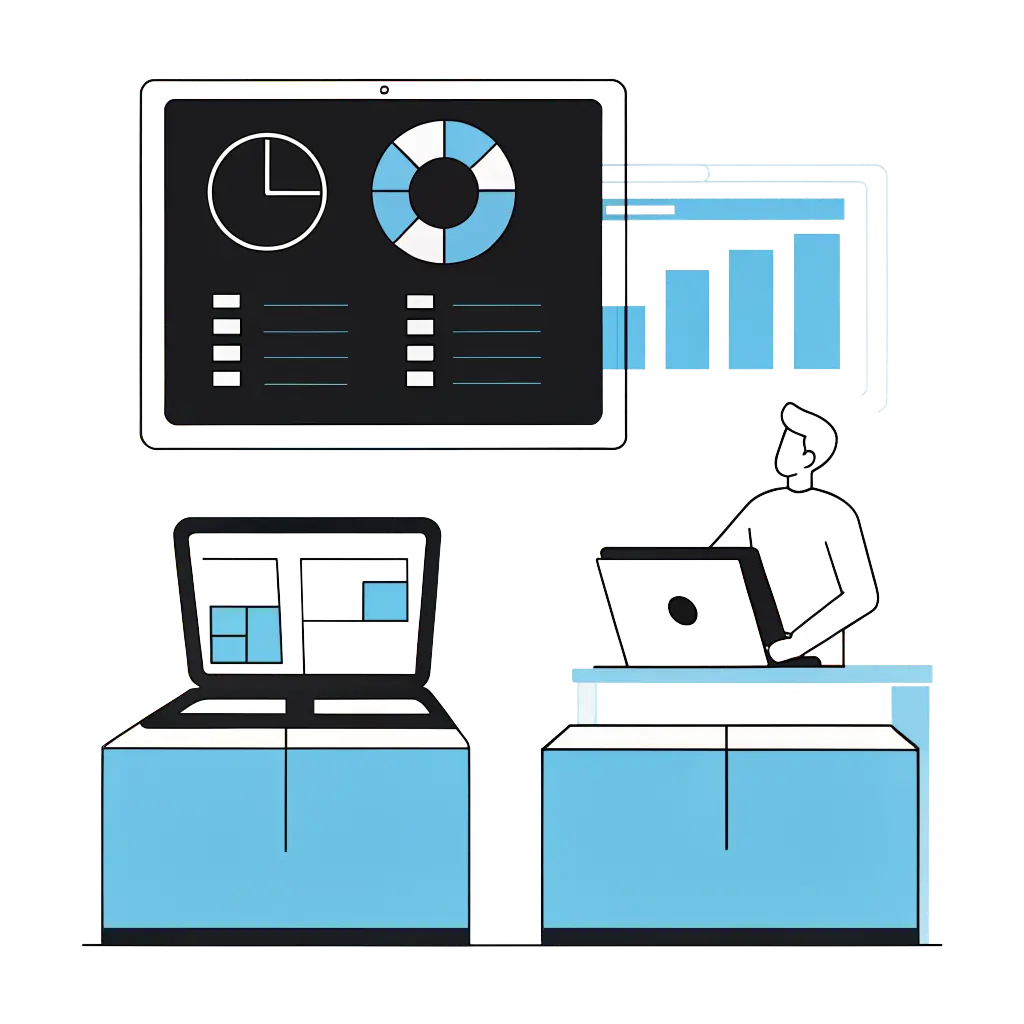
Customer Portal & Reporting Dashboard


Qual’s configuration service is fully transparent, and we provide: 

  • Customer Portal – This customer-branded site enables seamless imaging, installation, and updates ticketing/requests. 
  • Reporting Dashboard– Providing real-time visibility into asset details, stock levels, deployment progress, and more.

Step 1.

Laptop Procurement & Check-in

a. Customer purchases laptops directly from Qual. 

b. Laptops arrive at Qual’s Head Office for processing. 

c. Check-in process begins, and each device is logged. 

d.branded dashboard is updated with real-time stock level. 

Step 2.

Preparing Laptops for Imaging

Once received, the laptops are ready for imaging or configuration. 

Microsoft Intune or Custom Imaging can be requested. 

a. The customer submits a ticket request via the Customer Portal. 

b. Qual receives the ticket and begins the imaging workflow.

c. Dashboard is updated with real-time progress.

Step 3.

Laptop Imaging & Configuration

Simplified Customer Workflow for Imaging Request:

a. Customer raises a ticket with login credentials.
b. Qual retrieves the laptop from stock.
c. Laptop is imaged using the provided image or Intune profile.
d. Login credentials are verified.
e. Laptop is asset-tagged, and details (IP, tag, serial) are recorded.
f. Ticket is updated with device information.
g. Qual remotely configures the device and completes updates.

h. Ticket is marked ready for shipping.

Step 4.

Final Checks & Shipping

a. Qual completes final quality checks before dispatch.

b. Customer submits a shipping request via the same ticket.

c. Laptops are packed and shipped to the provided address.

d. Stock Level Dashboard is updated to reflect the shipment.

e. Ticket status is updated, and the customer is notified.

f. Ticket automatically closes after two days (can be reopened if needed)

Laptop Configuration

Tailored IT solutions for seamless operations

With over 30 years of IT expertise, Qual offers efficient device configuration and deployment services for seamless IT integration. From imaging and asset tagging to software installation, we streamline processes to boost productivity, reduce downtime, and support business growth.

Laptop Configuration

Effortless deployment for business growth

Qual streamlines laptop deployment with fully configured devices ready for immediate use. Offering custom imaging, asset tagging, and software installation, we ensure smooth IT integration. Our solutions help businesses efficiently scale operations and streamline employee onboarding, saving time and boosting productivity.

Approval 2
How We Help

With our experience, we can help your IT problelms.

At Qual we work with all types of communication businesses, bringing our wealth of knowledge and extensive experience.

Over 30 years' experience
Compliance expertise
Expert technology guidance
Dedicated IT support
Cyber Security expertise
Tailored IT strategies
Recognised by the best

Trusted By

Our partners with the very best IT solutions for the education sector.

Need some assistance?

Let’s get started

Contact faceless image
Contact faceless image 2

Use the form below to let our team assist you.

Laptop Configuration Form


Our laptop configuration service can help. We can store, Intune or configure, and ship your laptops. All communicated through our customer portal, with real-time reporting via an online dashboard.
We can help with storage only and shipping at your leisure using our customer portal.
We can quote for storing your existing laptops, or you can purchase them directly from us. Buying through us is simpler, and our customer portal lets you quickly choose when and where they’re shipped.
You may not need laptop configuration at this time but if there a need for the device itself we can help with that also
x
Qual Logo SVG

Chat to
An Expert 👋

Are you looking to connect with a dedicated account manager who can tailor IT solutions to meet your business needs?

Open

Mon – Fri: 9.00am – 5.30pm
Holidays: Closed

Start the conversation

Qual Main Popup full page

Please note preferred dates are targets, not guarantees 

By submitting, you consent to contact regarding our products and services in accordance with our Privacy Policy

New Starter
IT Cost Calculator

New Starter IT Cost Calculator

£
%
£


Your estimated annual onboarding IT cost

Estimated cost: £

This estimate is based on your onboarding volume, average setup time, and whether laptops and day-one readiness are consistent.

Next: enter your email to receive a tailored recommendation.

Qual Logo SVG

Chat to
An Expert

Are you looking to connect with a dedicated account manager who can tailor IT solutions to meet your business needs?

Open

Mon – Fri: 9.00am – 5.30pm
Holidays: Closed

Start the conversation

Qual Main Popup full page

Please note preferred dates are targets, not guarantees 

By submitting, you consent to contact regarding our products and services in accordance with our Privacy Policy

meet the team

Tailored Expert Advice
is a few clicks away

We’ll be in touch within the next 24 hours (Mon-Fri)

Glabal Pop up

System Upgrade
Check Instructions

Quick System Check Instructions:

  1. Press the Windows Key or click Start.
  2. Open Settings.
  3. Navigate to Update & Security.
  4. Select Windows Update.
  5. Click Check for updates.

Your system will automatically determine if Windows 11 is available for your device. If compatible, the upgrade option will appear. If not, you'll receive information about what needs to be updated to proceed.

Your system will automatically determine if Windows 11 is available for your device.

Windows 10

Windows 10 End of life

Days
Hours
Minutes
Seconds
Pretesh

Upgrade with
Pretesh 👋

Pretesh, our Head of Managed Services, is an IT generalist with broad expertise and a straightforward approach. He listens to your needs, explains everything clearly, and offers honest advice on what’s worth your investment. From everyday IT challenges to major projects, Pretesh is here to help—no nonsense.

Get in touch

Contact Pretesh

By submitting, you consent to contact regarding our products and services in accordance with our Privacy Policy

Qual Logo SVG

We're ready
to help👋

Request a quick call back for a no-obligation chat. With over 30 years of practical experience, our UK-based experts are ready to help. Guaranteed no pushy sales, just a friendly call to understand your challenges and explore some potential solutions. 

Start the conversation

Qual Main Popup full page

Please note preferred dates are targets, not guarantees 

By submitting, you consent to contact regarding our products and services in accordance with our Privacy Policy

Qual Logo SVG

Chat to
An Expert

Are you looking to connect with a dedicated account manager who can tailor IT solutions to meet your business needs?

Open

Mon – Fri: 9.00am – 5.30pm
Holidays: Closed

Start the conversation

Qual Main Popup full page

Please note preferred dates are targets, not guarantees 

By submitting, you consent to contact regarding our products and services in accordance with our Privacy Policy